App Privacy Details: What to Declare
The nutrition label is three buckets you fill in App Store Connect. For a hiking app with on-device trails and optional iCloud, tracking stays empty unless you actually track.
Quick answer
What do you declare in App Privacy details?
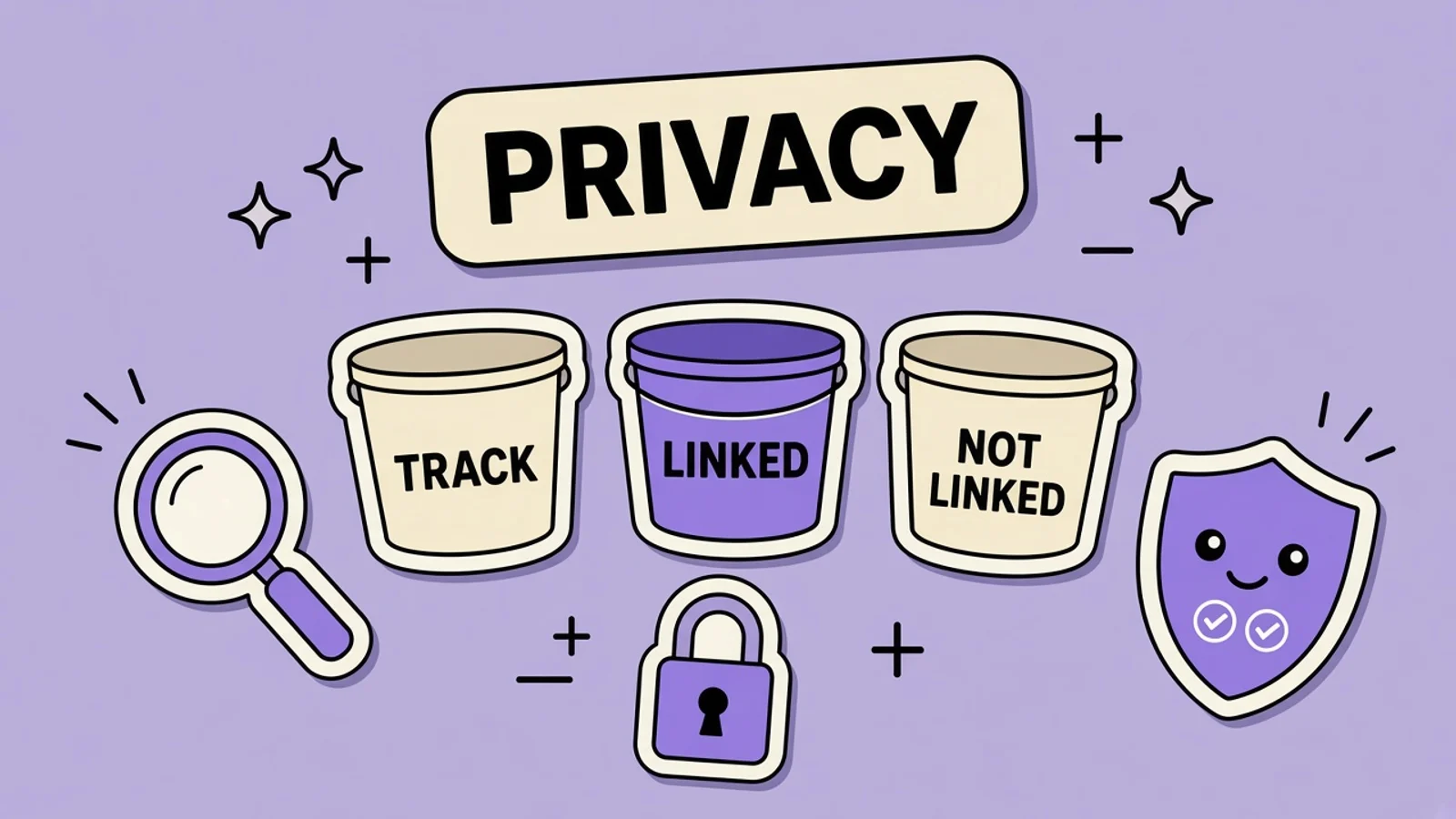
App Store Connect asks what you or partners collect, in three buckets: used to track you, linked to you, or not linked to you. Tracking means linking with third-party data for ads, or sharing with a data broker. A hiking app with on-device trails, map location, and optional iCloud does not declare tracking if it has no ads SDK and no broker. Match the label to the privacy policy.
On this page
Ridge Notes is a hiking app. It draws a trail on a map, saves that trail on the phone, and can copy it to the user’s iCloud if they turn that on. There is no ad network and no data broker. The App Privacy details you file for that app should describe those facts. They should not describe a generic “mobile app collects analytics,” and they should not mark tracking because a crash reporter exists. Tracking is a defined term. Analytics is a purpose. They are not the same switch.
Apple’s app privacy details page is what you are filling in. The product page then shows some of the data types you may collect, and whether that data is linked to the person or used to track them. You need this to submit a new app or an update. Account Holder, Admin, and App Manager can edit the answers, and you can change them later without shipping a new binary. The privacy policy URL on the product page is required. The label and that policy have to tell the same story. Age range is a different form. It is covered in Apple’s declared age range, and this post will not re-explain that API.
The three buckets on the product page
Shoppers see three groups. Data used to track you meets Apple’s tracking definition. Data linked to you is tied to an account, a device, or other details. Data not linked to you was de-identified before collection, with no attempt to re-identify it. Personal information, as privacy laws define it, counts as linked. Anonymizing later does not move a type into the not-linked bucket.
Declare every type you or a partner collects, unless it meets all of Apple’s optional-disclosure tests: not tracking, not an ad or other listed purpose, infrequent, not the app’s main job, and clearly submitted by the user each time. A trail recorded on every hike fails that test. Ongoing collection after one permission still has to be disclosed.
What tracking means, and what it does not
Tracking means linking data from your app about a user or device, such as a user ID or device ID, with third-party data for targeted ads or ad measurement, or sharing that data with a broker. Third-party data comes from apps, sites, or offline properties you do not own. An SDK that combines your users with other developers’ users to target ads counts, even if you did not mean to turn that on.
Data that stays on the device, and is not sent off in a way that identifies the user, is not tracking. A broker used only for fraud prevention or security is not tracking. Crash logs are an analytics purpose unless they are linked with third-party data for ads or handed to a broker. Do not tick tracking because an SDK’s marketing says analytics.
Ridge Notes, bucket by bucket
| Data | Bucket | Why |
|---|---|---|
| Precise location for the map | Linked to you | The app uses the hiker’s location to draw the trail. It is not sent to an ad network or a broker. Purpose: app functionality. |
| Trails kept on the phone | Not a collection you send away | The file stays on device until the hiker opts into iCloud. Do not describe it as shared. |
| Optional iCloud trail sync | Linked to you, when they turn it on | The trail is stored with that person’s iCloud identity so a second device can open it. Purpose: app functionality. Not tracking. |
| Crash logs with identifiers removed | Not linked to you | Only if you strip direct identifiers before collection and you do not try to tie the log back to a person. |
| An ads SDK | Used to track you | If it links app data with third-party data for ads, or shares with a broker. Ridge Notes does not ship one, so this row stays empty. |
Ridge Notes declares location as linked data used for the map, declares optional iCloud trails as linked user content, may declare de-identified crash logs as not linked, and does not declare tracking.
Location, trails, and iCloud
Precise Location is the hiker’s coordinates. Ridge Notes needs it for the map, so declare it as linked, purpose app functionality. Do not mark it shared with a third party you do not have. If you only keep a region, declare Coarse Location instead. Do not declare both just in case.
Trails that never leave the phone are not a server collection. Optional iCloud is different: Apple says data you collect through CloudKit has to be declared. When sync is on, the trail is linked to that iCloud account as user content for app functionality. Mention the practice on the label because the app can collect it. The privacy policy should say the same thing: on the phone by default, iCloud only if they opt in, not used for ads.
Crash logs and the not-linked test
Diagnostics on Apple’s list includes Crash Data and Performance Data. A crash log is worth declaring if a vendor receives it. It belongs in Data Not Linked to You only when you meet Apple’s test: direct identifiers such as user ID or name are stripped before collection, you do not try to link the log back, and you do not join it to a dataset that would. If the crash SDK sends a device identifier you can match to a support email, the log is linked. Say so. Calling it “anonymous analytics” does not move the bucket.
If a first-party analytics endpoint receives screen events, declare that usage data, pick analytics or app functionality, and then apply the linked versus not-linked test. Analytics as a purpose is allowed. It is not, by itself, tracking.
The policy, the page, and Play
The privacy policy URL is required on the product page. Privacy Choices is optional. Write the policy so it names location for the map, on-device trails, optional iCloud, and crash logs if you have them. If the label says you do not track, the policy cannot describe an ad partner. A mismatch is how you get a metadata fight, which is guideline 2.3 territory and the subject of the metadata rejection guide. The privacy policy guide is where the URL itself gets written. This post is only the nutrition label.
Google Play asks a different form, with collected versus shared and a security section. Do not paste these three Apple buckets into Play Console. Use the Data safety guide for the Android build of the same hike. Screenshots of the map should show the trail, not a badge that says “zero data” if the label lists location. AppGrowthKit can frame that map. It cannot file the form. Guideline 4.3, if you were hoping a privacy tweak would save a clone, is a product problem and a separate article.
File Ridge Notes’ privacy details
Walk the binary, not a template from another app. Update the answers when the practice changes. You do not need a new version to edit the label.
List what actually leaves the phone
Write down location used for the map, trails stored on device, iCloud sync if the hiker opts in, and any crash or analytics endpoint. Ignore SDKs you removed. Include SDKs you still link, because Apple says third-party partners’ collection counts. If a map provider receives coordinates, that is part of the list even when you think of it as “just MapKit.” The optional-disclosure exceptions are narrow. A continuous GPS trace is not an optional feedback form.
Assign each type a purpose and a bucket
Precise Location is linked to the hiker and used for app functionality. Optional iCloud trails are user content, linked to that iCloud account, same purpose. Crash Data is not linked only if identifiers are gone before the log is collected and you will not reverse that. Leave tracking unchecked on all of these. If you cannot explain a type in one sentence to a hiker, you do not understand it well enough to file it.
Match the privacy policy
Read the policy URL you will paste into App Store Connect. It has to be public. It should name the same practices: location for the map, local trails, optional iCloud, crash logs if any, and no sale to a broker and no ads. If the policy is a template that says you share data with advertising partners, fix the policy or stop claiming the label is clean. The product page will show both the label and the link.
Submit the answers in App Store Connect
Account Holder, Admin, or App Manager enters the responses. You need them on file to submit the app. You can update them later without an app update if a practice changes, and you should, because Apple says you are responsible for keeping the answers accurate. Do not wait for the next screenshot refresh to remove a tracking row you no longer earn.
Check the product page after release
On a device that is not your developer phone, open Ridge Notes’ page and read the privacy section next to the screenshots. Location should appear as linked data used for the app. Tracking should be absent. If the page shows a type you do not collect, or hides one you do, edit the form. The screenshots of the map stay accurate either way. A privacy claim painted into a screenshot is metadata, and it has to match this label.
Key takeaways
- Declare data you or partners collect in three buckets: used to track you, linked to you, or not linked to you.
- Tracking means linking with third-party data for advertising or advertising measurement, or sharing with a data broker.
- Ridge Notes declares map location as linked, optional iCloud trails as linked, and does not declare tracking.
- Crash logs are “not linked” only if you de-identify them before collection and do not re-link them.
- The label must match the privacy policy. You can update the answers without shipping a new binary.
Frequently asked questions
Does using analytics mean I track users?
No. Analytics is a purpose: how the app is used, whether a feature works, or why it crashed. Tracking means linking data from your app about a user or device with third-party data for targeted advertising or ad measurement, or sharing that data with a data broker. A first-party crash log is not tracking unless it is used that way. An ads SDK that combines hikers with other apps’ users for ads is tracking even if the dashboard says analytics. Tick tracking only when the definition fits.
Do on-device trails show up on the label?
Not as a transmission, if the trail never leaves the phone and no partner receives it. Precise location for the map still is collected, and it is linked to the hiker’s device. When they opt into iCloud, the trail stored with that account is collected and linked as user content for app functionality. The privacy policy should describe on-device by default and iCloud as the option, so the label is not a surprise.
Can I update the nutrition label without a new version?
Yes. Apple says you may update answers at any time, without an app update. Do that when you add or remove an SDK, ship iCloud sync, or stop sending a crash identifier. Leaving last year’s ad network on the form after you deleted the SDK is still a false label. Update the privacy policy URL in the same pass if the practices changed.
Is this the same form as the age-range declaration?
No. App Privacy details describe collection, linking, and tracking. Declared Age Range is a different form and a different API, covered in the age-range article. Do not paste age bands into the nutrition label, and do not skip the label because an age question is already answered. A hiking app with no account still declares location.
What if I add ads later?
Re-file when that build collects the new data. If the SDK links Ridge Notes’ data with third-party data for ads, or shares it with a broker, those types move into Data Used to Track You. The empty tracking section becomes false the day the SDK ships. Update the label, the privacy policy, and any screenshot that says the app does not track. A keyword edit will not fix the mismatch.
Keep reading
Privacy Policy URL for App Store and Play
The policy has to name you, what you collect, why, and how to reach you. It has to match the nutrition label and the Data safety form.
Google Play Data Safety Form, Field by Field
The Data safety form is public on the Play listing. For the same hiking app, on-device trails are not “collected,” and Google sign-in is.
App Store Metadata Rejection: What Triggers It
Guideline 2.3 is accurate metadata. A “#1 workout” line and a competitor’s name in the keyword field are the kind of thing that gets a fitness app sent back.
App Store Guideline 4.3 Spam Rejections
A 4.3 rejection means the product looks like spam: duplicate bundle IDs, or another copy of a saturated category. A keyword edit will not clear it.
Apple Declared Age Range: Texas and the Global API
Texas SB 2420 started applying to new Apple Accounts on June 4, 2026. Apple’s Declared Age Range API, Significant Change API, and consent notifications are how indie apps request an age category without collecting a birthday. Here is a practical path that also keeps the product page honest.
Free tools that help here
App Icon Generator
Drop in one 1024px icon and download every iOS and Android size, ready for Xcode and Android Studio. Runs entirely in your browser - nothing gets uploaded.
ASO Character Counter
Count characters for every App Store and Google Play metadata field against exact store limits. Live counts and over-limit warnings - nothing gets truncated at submission.
Screenshot Beautifier
Add polished backgrounds, padding, shadows, and rounded corners to any screenshot in seconds. Perfect for social posts, docs, and portfolios.
The label and the screenshots have to agree
AppGrowthKit frames the real trail map so the product page does not promise a privacy story your nutrition label contradicts.
Try AppGrowthKit for Free