Guides for App Store & Google Play screenshots
Exact spec references and ASO guides for indie app developers - written to answer the question you actually searched.
Screenshots
Dark Mode App Store Screenshots
App Store Connect keeps one screenshot set per device size and localization. Here is how a true-black notes app should pick that set, and how to test the other look.
App Store Screenshot Order Beyond the First Three
Search already used the first three frames. Slots four through ten are the product page: proof, the objection, then depth.
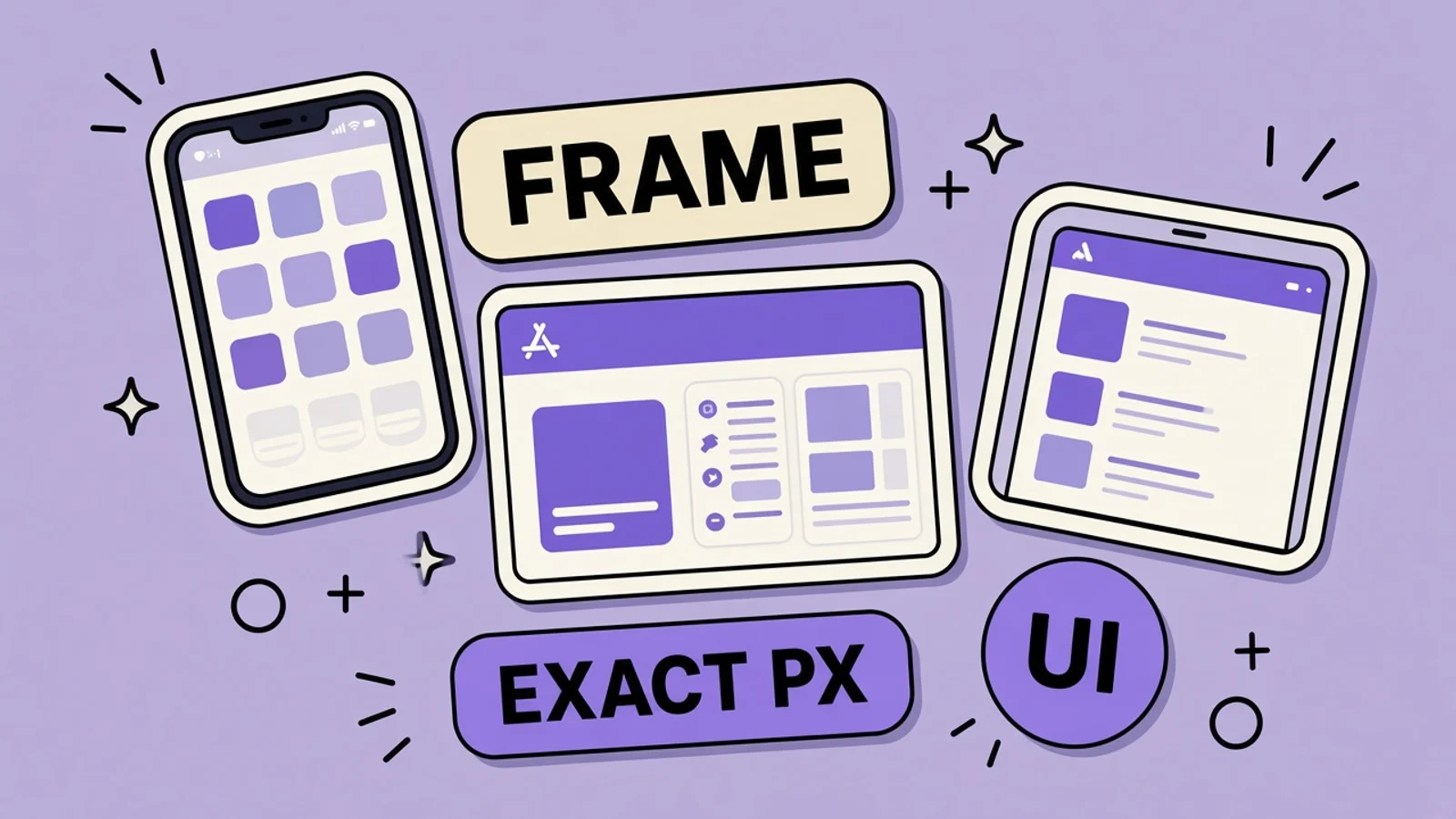
Device Frames on App Store Screenshots
A device frame is allowed on an App Store screenshot when the file is still the exact required size and the app UI stays legible.
Subscription App Screenshots That Stay Honest
A subscription screenshot has to match the real offer. A trial that renews is not a free app, and the frames should not say it is.
iPad App Store Screenshots, Not Scaled iPhone
If the binary supports iPad, the 13-inch screenshots are required. They have to show the iPad layout, not a phone image stretched onto a tablet canvas.

App Icon Design That Wins the Tap
The icon is what people tap beside your name. Apple masks the 1024 marketing icon. Design the square, and do not bake the rounded corners.
Right-to-Left App Store Screenshots
Arabic and Hebrew read right to left. The screenshot has to mirror the interface, not only translate the caption.
Best App Store Screenshot Generators (2026)
How to choose a screenshot tool in 2026: real app screens, an editor you can still change, and export sizes App Store Connect and Play Console accept.
iPhone 18 Pro Screenshots: Do You Need a New Set?
Apple’s September 9 event brings iPhone 18 Pro, Pro Max, and a rumored foldable. What that means for App Store screenshot classes — and what you should not guess.
How Often to Refresh App Store Screenshots in 2026
Indies rewrite screenshots after every ship, or never. A practical cadence: after a real product change, after an OS UI shift, when conversion drops, and before a season.
The First 3 App Store Screenshots Decide the Tap
Apple search shows up to three frames before anyone opens the page. Play often leads with screenshot one. What each of those slots is for.
How to Make App Store Screenshots (2026)
A start-to-finish workflow: capture real UI, write captions, frame at exact sizes, export without alpha, and upload in App Store Connect.
Your Screenshots Still Show Pre-Glass UI
Since April 28, 2026, App Store uploads must use the iOS 26 SDK. Standard bars and sheets pick up Liquid Glass on their own. If the listing still shows last year’s opaque chrome, the product page is advertising an app you no longer ship.
Guideline 2.3: Why Review Rejects Your Screenshots
Most “ASO screenshot” rejections are not a taste debate. They are Guideline 2.3: the frames do not match the binary, the splash is doing the talking, IAP is hidden, or the metadata would fail a 4+ check. Here is the indie checklist.
How to Make App Store Screenshots with AI (2026)
Indie devs on X keep saying the same thing: designing App Store screenshots takes forever. Here’s a practical AI workflow that ships store-ready frames in minutes - without Figma babysitting.
App Store Screenshot Best Practices (2026)
How to design App Store and Google Play screenshots that convert - first-three rules, captions, storytelling, localization, and what to avoid in 2026.

App Icon Sizes for App Store & Google Play (2026)
Every required app icon dimension for iOS, iPadOS, Android, Google Play, and the density buckets Xcode and Android Studio still expect - plus the format rules that cause rejection.
App Store & Google Play Screenshot Sizes (2026)
Every required and optional screenshot dimension for iPhone, iPad, Mac, Watch, Apple TV, Vision Pro, and Google Play - straight from Apple and Google's current specs.
ASO metadata
App Store Keyword Research Without a Paid Tool
Autocomplete, competitor names and subtitles, your own search terms, and reviews. Then a score so only terms that fit the 160-character budget survive.
App Store Ranking Factors Apple Actually Uses
Apple documents the metadata it indexes. It does not publish weights. Here is the split, plus the levers that are not ranking factors at all.
Long-Tail App Store Keywords That Fit the 100-Character Field
A long phrase burns the keyword field if the words are already in the name or subtitle. Apple combines those words. Paste the missing token, not the whole sentence.
How to Read a Competitor’s App Store Listing
A one-page teardown of the fields you can actually see: name, subtitle, first three screenshots, ratings count, What’s New, and category. The keyword field stays hidden.
How to Name an App for Search and Recall
The name is 30 characters. It has to be the thing people repeat out loud and the strongest indexed field. Five options for a travel split-bill app, with counts.
ASO When Your App Has Zero Downloads
With no download history, the name, the keyword field, and the first three screenshots do all the work. Pick a query you can deserve. Do not buy the rest.
Branded vs Generic Keywords on the App Store
Your brand belongs in the name so you own that query. Generics are how strangers find you, and they are contested. Competitor brands do not belong in either place.
Seasonal App Store Keywords and When to Swap Them
Research before the season, ship keywords with a version, change promotional text when the date arrives, and pull dead terms after. Screenshots move with the keywords.
Apple Search Ads vs Organic ASO
Organic rank reads your metadata. Search Ads reads bids, match types, and relevance. A paid tap does not write the keyword field, and it does not buy organic rank.
Do Ratings Change App Store Search Rank?
Apple does not publish a star-weight for search. A 3.8 still changes who taps Get. How to read the distribution, and what not to do to move it.
App Store Conversion Rate, Defined by Apple
Apple’s rate is downloads and pre-orders divided by unique device impressions. A hand-built “product page conversion” uses a different denominator. No one honest publishes “good is 30%.”
App Store In-App Events: Limits and Setup
A live language hour inside a tutoring app is an event, not a new binary. Fifteen approved, ten published, ten with overlapping starts. The card and the screenshots are shown to different people.
App Store Win-Back Offers for Subscribers
A win-back offer is a subscription price for someone whose subscription already lapsed. It is configured on the product. It is not a keyword, and the screenshots should not invent a discount.
Update a Store Listing Without a New Binary
Some listing fields move without a new app binary. Some do not. The split is different on the App Store and on Google Play, and mixing them up is how a “quick copy change” waits on review.
ASO Metrics Worth Checking Each Week
Check impressions, product page views, conversion, ratings, and the search terms you actually rank for. Leave the forty-metric dashboard alone.
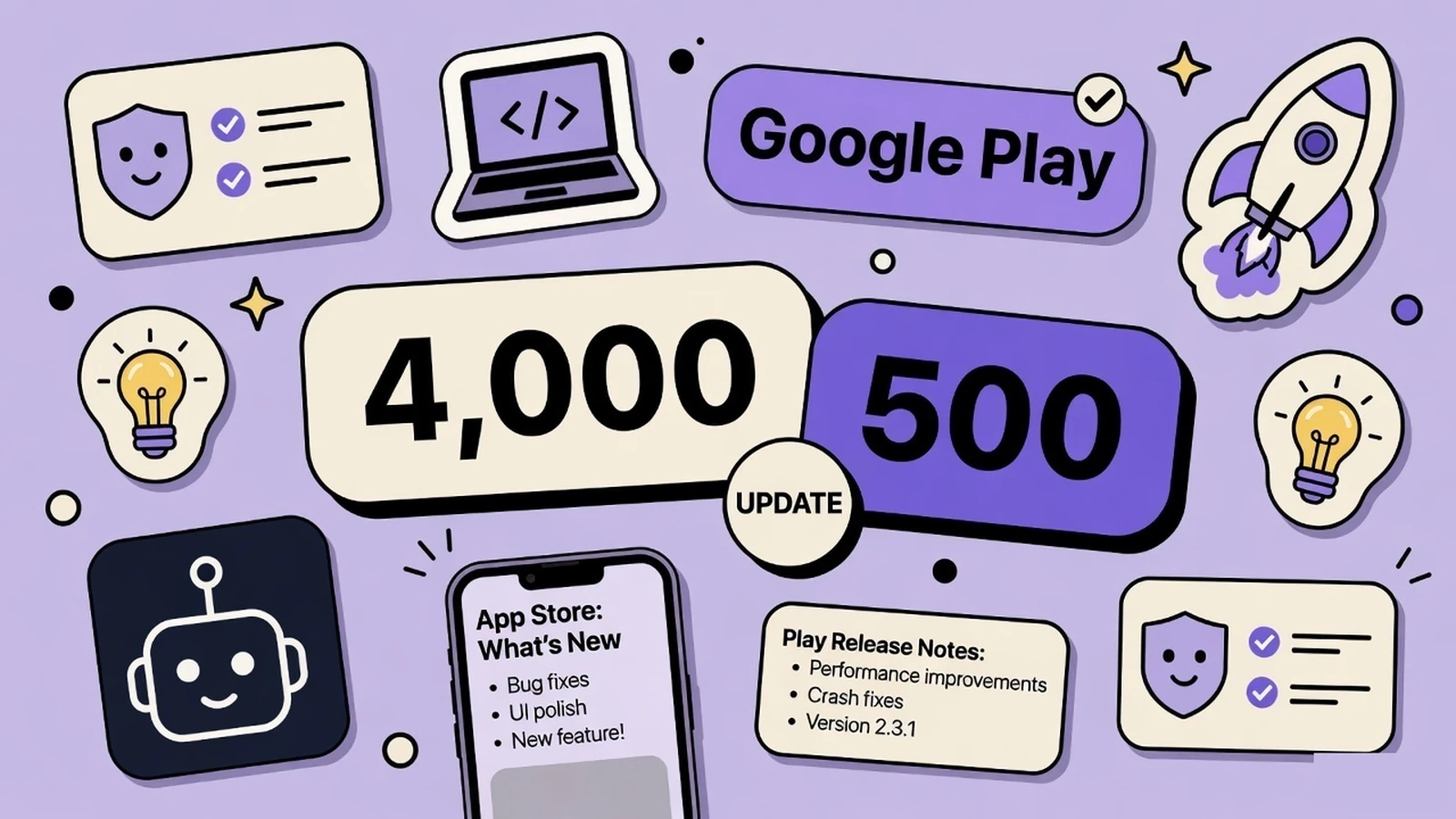
App Store What’s New Text: What to Write
Apple gives you 4,000 characters and requires the field on every update. Play gives you 500. Neither box is a place to hide keywords.
How to Choose an App Store Category
You get a primary and a secondary category. Apple indexes both. The primary one also decides which tab you sit on, and which chart a browser is even looking at.
App Store Subtitle Examples That Fit 30 Characters
The App Store subtitle character limit is 30. Here are examples that rank and read, plus the mistakes that waste the second indexed line under your name.
How to Write an App Store Description That Converts
Apple’s description is 4,000 characters of conversion copy, not a keyword essay. Structure, first-sentence rules, and why a “description generator” still needs you.
App Store Promotional Text vs Description
Promotional text is 170 characters you can edit without a new binary. The description is 4,000 characters that wait for a version. Neither one is your ranking field.
Custom Product Pages for Apple Search Ads
A Custom Product Page is not ads-only — but Search Ads is where a second screenshot set pays for itself. How to aim a page at a keyword without wrecking the default listing.
Q4 ASO: Refresh Keywords and Screenshots Now
Organic ranking takes weeks to settle. September is the last clean window before Halloween and holiday search. What to change this week.
App Store vs Google Play ASO: What Indies Should Do Differently
The stores look similar. Indexed fields, screenshots, descriptions, and ranking signals are not. One checklist per store.
App Store Keyword Field: How to Use All 100 Characters
Apple gives you 100 hidden characters. Most indies waste 20–30 of them repeating the title. How to format, what to skip, and worked examples.
Custom Product Pages Are an Indie Search Lever
Apple will show a Custom Product Page in App Store search when you assign keywords to it — instead of your default listing. That is not an ads-only feature. It is extra screenshot sets aimed at extra jobs, and most small teams never ship the second set.
App Store Tags: Make Metadata Apple Can Label
App Store Tags are glanceable terms generated from your App Store Connect metadata, large language models, and human review. They already show in US search and on the product page. Here is how indie teams should manage them — and why screenshot copy is part of the input.
App Store Retention Messaging: Prepare Your Cancel Flow Now
Apple’s new Retention Messaging will let subscription apps show a value reminder, image, or offer at the moment someone cancels. Here is how an indie team can prepare a helpful cancel-flow message without designing a dark pattern.
App Store Creative Assets: What to Ship This Fall
Apple’s new Creative Assets go live on the App Store this fall. Here is what they are, where they appear in iOS 27, how Asset Library works, and how to prepare headers and search art without throwing away your screenshots.
App Store Screenshot Text: What to Write (2026)
A practical formula for App Store screenshot captions: match the searcher’s intent, lead with a benefit, and stay readable before the UI ever gets a chance to explain itself.
App Store Product Page Optimization Guide (2026)
How Product Page Optimization (PPO) and Custom Product Pages work on the App Store - what you can A/B test, how to read results, and how to ship screenshot variants that actually move conversion.
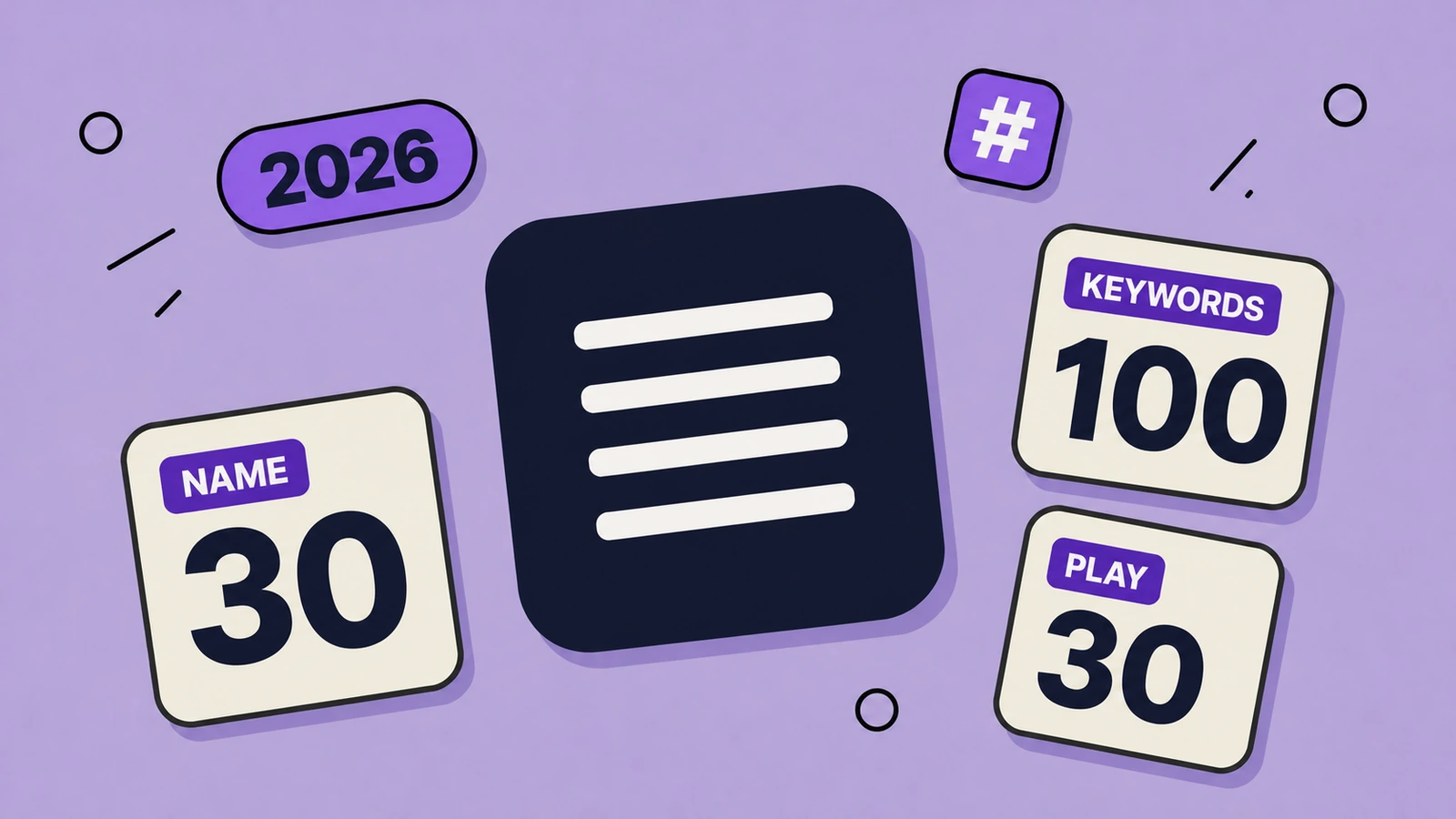
App Store & Google Play Character Limits (2026)
Exact character limits for every App Store Connect and Google Play metadata field - name, subtitle, keywords, promo text, descriptions - plus how to use each one.
Google Play
Google Play Keyword Research That Matches How Play Indexes
Play has no hidden keyword field. Research is only useful if the term lands in the 30-character title, the 80-character short description, or the full description — once.
How to Reply to Google Play Reviews
One public reply per review. Name the Android 14 login bug and the version. People on a partial rollout can still review you.
Google Play Store Listing Conversion
Play defines store listing visitors and store listing acquisitions. The rate lives on the conversion analysis page. Experiments and custom listings are the levers, not a borrowed percentage.
Google Play Staged Rollouts
You pick the percent. It does not climb by itself. Halt and resume keep the same users. Not for the first publish. If the listing must match the build, change it at 100%.
Google Play Pre-Registration for a New App
Pre-registration lets people sign up on the store listing before you publish. It is not a closed test, and the listing they see has to be the game you will ship.
Google Play Data Safety Form, Field by Field
The Data safety form is public on the Play listing. For the same hiking app, on-device trails are not “collected,” and Google sign-in is.
Google Play Content Rating Questionnaire
The IARC questionnaire is how Play gets a rating. Answer for the chat app you ship, including user-generated messages. A low rating you did not earn can get the listing pulled.
Google Play Closed Testing Before Production
A new personal Play account cannot ship a habit app to production until a closed test has at least 12 testers opted in for 14 days straight. An opt-out resets that tester.
Google Play Promo Video on the Store Listing
The Play promo video is a YouTube URL on the store listing. The feature graphic is still the 1024×500 cover under the play button.
Google Play Custom Store Listings
You can create up to 50 custom store listings. People you do not target still see the default. This is not a store listing experiment.
How to Write a Google Play Full Description
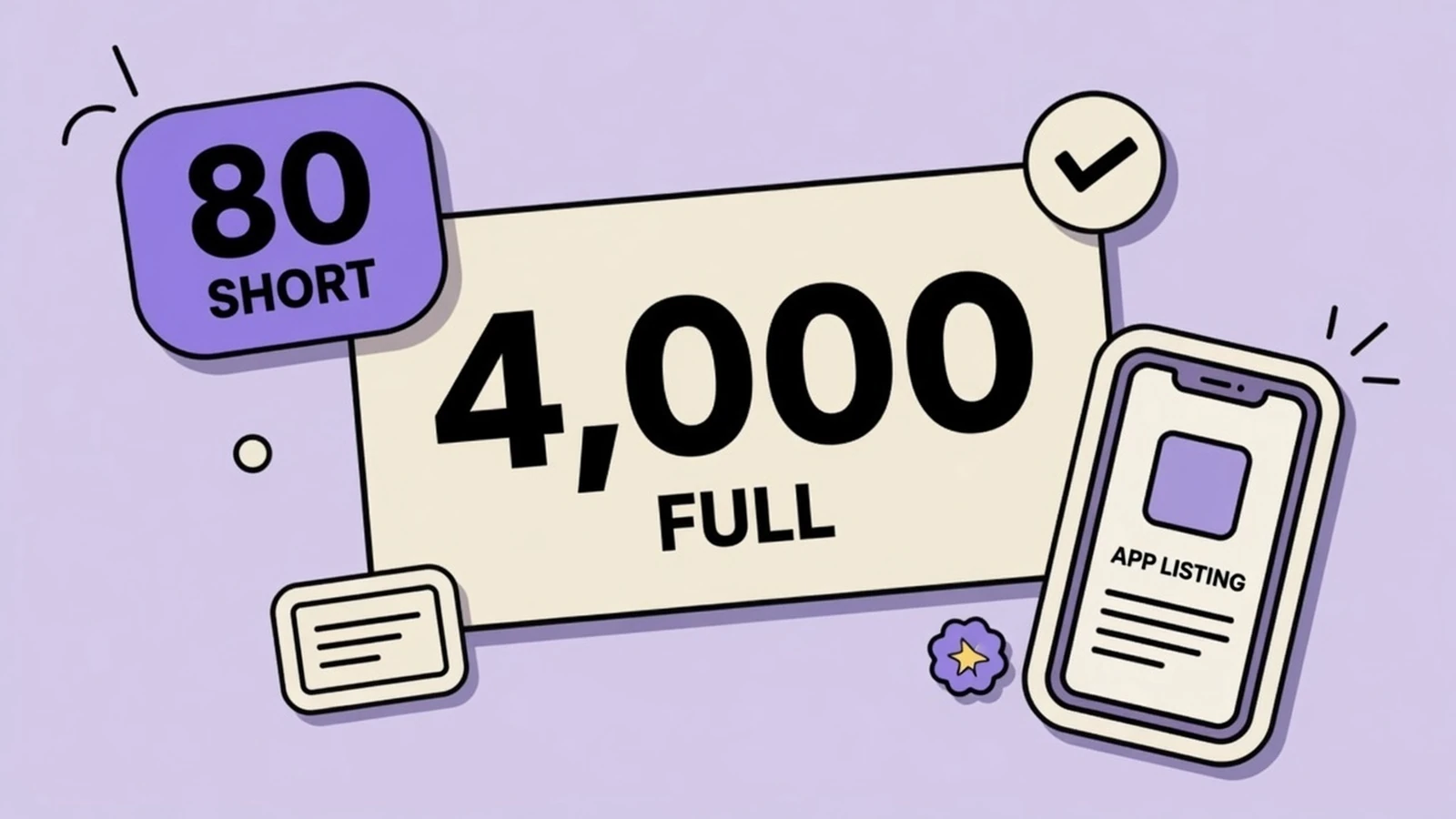
Play gives you 4,000 characters. Google’s own example of what fails is a comma list of synonyms. Here is the structure that stays inside that rule.
Google Play Short Description: 80 Characters That Rank
Play indexes the 80-character short description and shows it on search cards. How to write one that ranks and still reads like a human.
Google Play Quality Requirements: Memory, Bitmaps, R8
Play announced memory, bitmap, and 25% DEX optimization thresholds on Aug 26, 2026. Enforcement starts February 2027. What indie apps actually have to change.
Play Wants Four Screenshots. Two Just Publishes.
Google Play will ship a listing with two screenshots. The large recommendation surfaces that actually use screenshots ask for four frames at 1080px or larger. That gap is how indie Android apps stay live and stay invisible.
Play Catalog Access: Your Listing Now Travels
Since July 22, 2026, Google Play can share your US name, icon, description, screenshots, and videos with enrolled third-party Android stores. Here is what that means for indie teams and how to keep the listing honest wherever it appears.
Google Play Install Clicks: Read the New Metrics
From July 2026, Play store listing reports count unique Install, Open, and Pre-register clicks instead of completed acquisitions. Here is how indie teams should read CTR, keep experiments honest, and improve the listing assets that actually drive the tap.
Play Age Signals API: What to Ship This Year
Google is expanding the Play Age Signals API from Brazil to Australia and Canada, then worldwide later in 2026. Here is what the privacy-preserving age range actually is, what you may not use it for, and how the store listing has to match the in-app experience.
Android 16 Target API Deadline: What to Test Before August 31
Google Play raises its annual target API bar on August 31, 2026. Here is what API 36 changes for new uploads, existing visibility, large-screen layouts, and the last tests worth running before you ship.
Android Developer Verification: What to Check Before September 30
Android developer verification now reaches Play Console and Android Developer Console. Most Play developers are already close to done, but every indie team should check package registration before the September 30 rollout begins.
Google Play AI Discovery: Gemini, Ask Play, and Play Shorts
Google Play discovery is moving beyond the keyword box. Gemini, Ask Play, full-screen video, custom listings, and re-engagement surfaces reward a listing that can explain one real customer outcome clearly and consistently.
Google Play Store Listing Experiments: A Practical Guide
How to test a Play Store icon, screenshots, feature graphic, or video without fooling yourself with a tiny sample or a muddy hypothesis.
Google Play Feature Graphic Size & Requirements (2026)
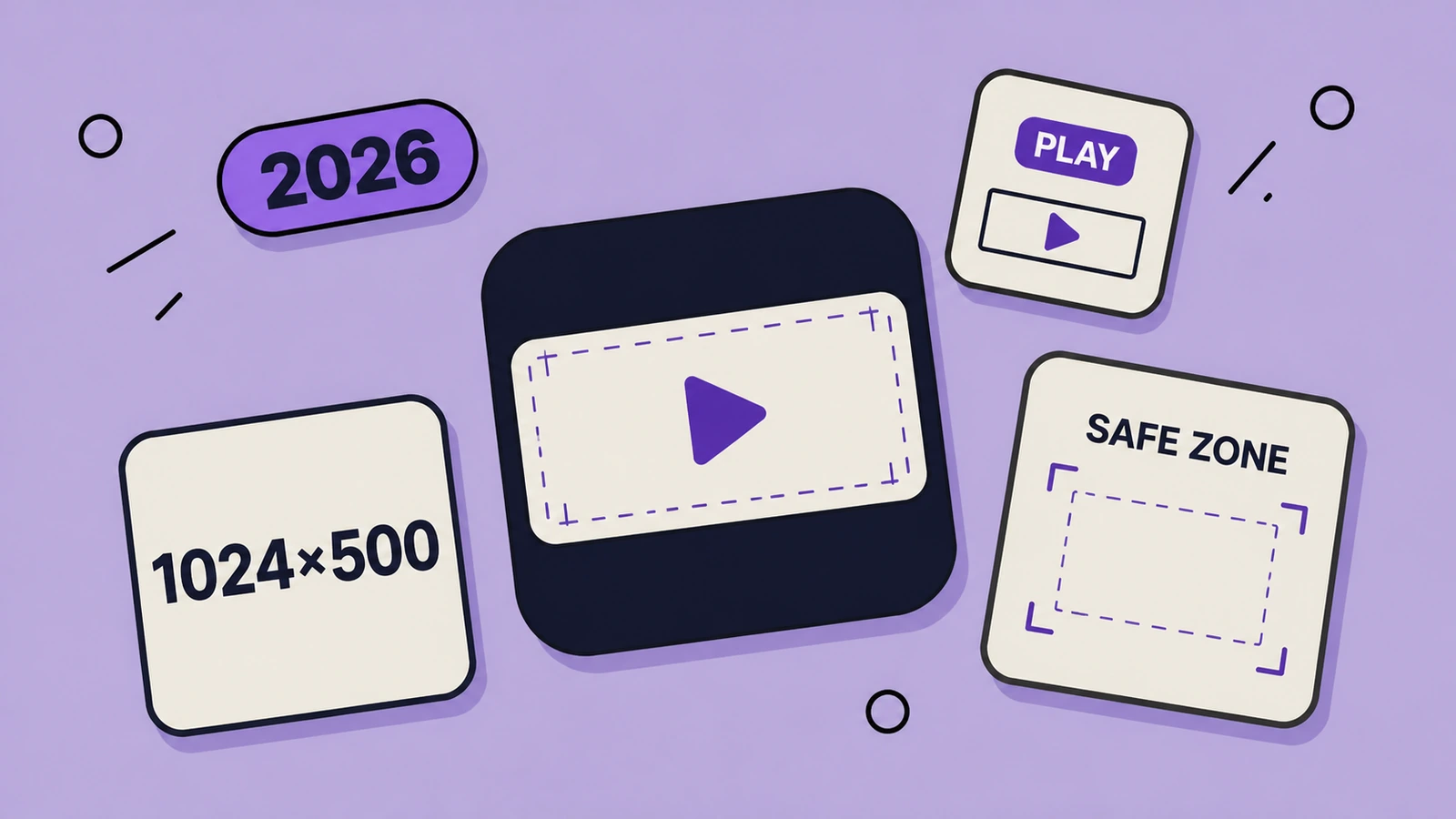
The exact 1024×500 Google Play feature-graphic spec, plus the content rules, cutoff zones, video overlay considerations, and a practical design checklist for a banner that still reads on a phone.
Localization
Which Countries to Localize an App First
Do not translate every storefront on day one. Start where you can support people and where search is not already in your language.
How to Localize App Store Keywords
Each locale gets its own 100-character keyword field. Apple does not copy it from your primary language. A translation of the English list is the wrong way to fill the blank.
“Please Save New Locales” in App Store Connect
The error is literal: the language you just added is not on Apple’s server yet. Save the locale, then upload screenshots. Here is the order that stops the loop.
How to Localize App Store Screenshots Without Breaking Them
A practical localization workflow for App Store and Google Play screenshots—how to choose markets, adapt the promise, handle text expansion, and QA every frame before upload.
Guides
How to Ask for an App Store Review
Call the system prompt after a finished job, not on launch. A receipt scanner’s third successful scan is the moment. The pre-question gate is the risk.
How to Reply to App Store Reviews
The reply is public. Name the bug, name the version, and ask them to update the review after they try it. Do not argue, and do not beg for five stars.
How to Read App Store Connect Acquisition
Impressions, unique impressions, and product page views are not three names for one tap. A podcast app in search, then on the page, is two impressions and one page view.
App Store Phased Release, Day by Day
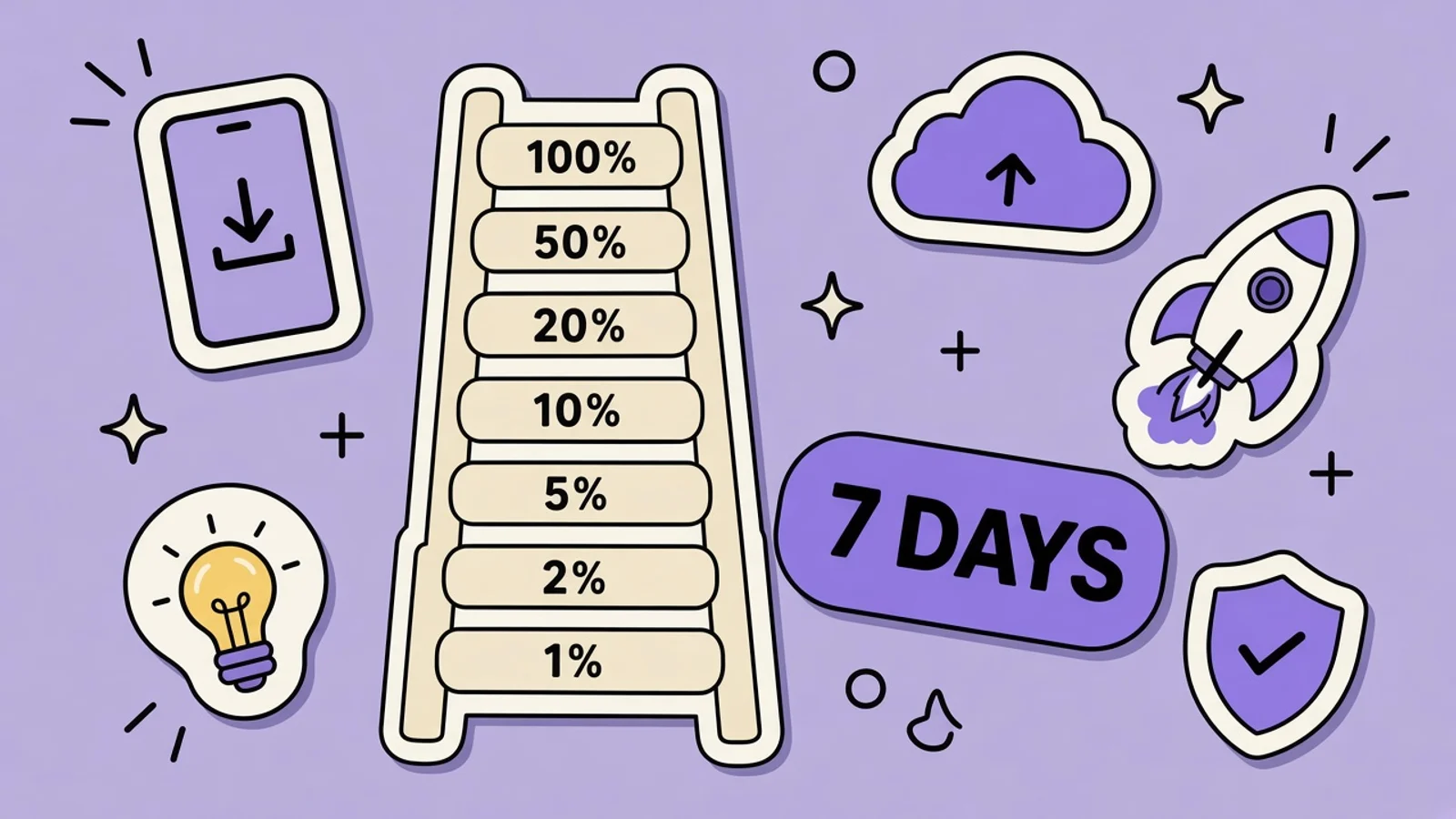
Seven days, fixed percents, pause up to 30 days total. Not for a first release. The automatic-update binary is staged. Treat the listing copy as live, and watch crashes before day 5.
How to Nominate an App for App Store Featuring
A Today tab slot is not for sale. Nominate a finished product page, a real reason to feature it now, and the storefronts where the app is actually available.
How Google Play Featuring Actually Works
Play does not sell a featured slot, and it does not publish a nomination form that guarantees one. The listing you ship is what a promotion would use.
App Store Pre-Orders Before Launch Day
A pre-order publishes a limited product page before the binary is public. The screenshots and metadata have to be ready, because that page is what people order from.
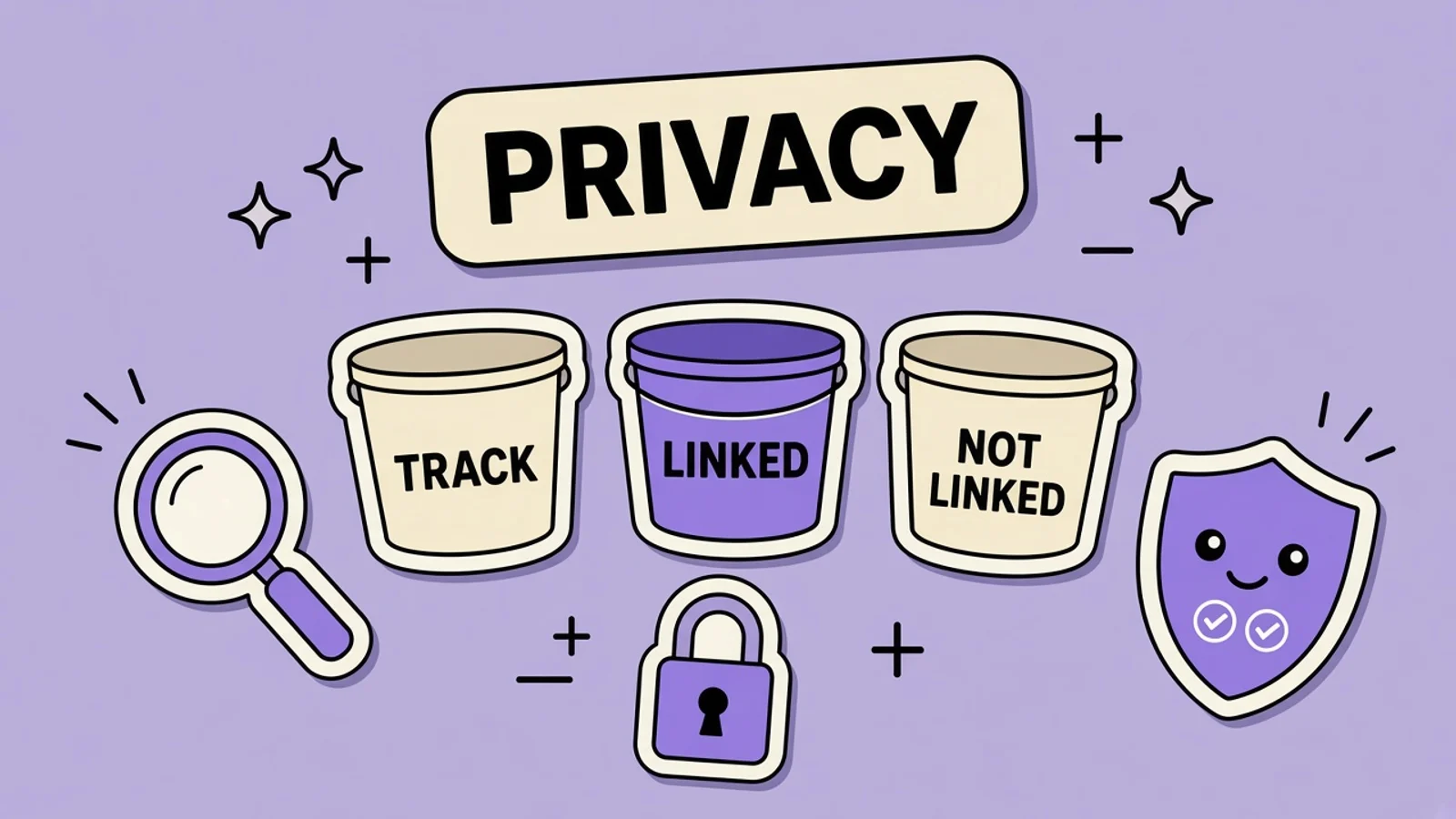
App Privacy Details: What to Declare
The nutrition label is three buckets you fill in App Store Connect. For a hiking app with on-device trails and optional iCloud, tracking stays empty unless you actually track.
App Store Metadata Rejection: What Triggers It
Guideline 2.3 is accurate metadata. A “#1 workout” line and a competitor’s name in the keyword field are the kind of thing that gets a fitness app sent back.
App Store Guideline 4.3 Spam Rejections
A 4.3 rejection means the product looks like spam: duplicate bundle IDs, or another copy of a saturated category. A keyword edit will not clear it.
TestFlight External Testing Before Launch
External TestFlight is how people who are not on your App Store Connect team install a recipe app before it is public. The first build still goes through Beta App Review.
How to Soft Launch an iOS App
A soft launch limits App Store Availability to a few storefronts so you can watch crashes and the real install funnel, then add countries. It does not game search.
Indie App Marketing Without Paid Ads
Without an ad budget, the product page, a real audience you already have, and App Store search are the work. Cross-promo only if you have another app.
Apple Search Ads for Indie Developers
Basic automates a search-results campaign around a max cost per install. Advanced is where you manage keyword bids. Spend is a test you cap yourself.
App Store Support URL and Marketing URL
The support URL is required and has to reach a human. The marketing URL is optional. If you provide either, it has to load.
Privacy Policy URL for App Store and Play
The policy has to name you, what you collect, why, and how to reach you. It has to match the nutrition label and the Data safety form.
App Store Price, Tiers, and Availability
Set a base price. Apple maps comparable prices across other storefronts. Scheduling a change is separate from turning a territory on or off.
Answer Apple’s Social Media Questions or You Can’t Submit
From September 2026, App Store Connect requires social-media capability answers before you can submit an update. What counts as a feed, what a share button is not, and the 13+ floor.
Apple Declared Age Range: Texas and the Global API
Texas SB 2420 started applying to new Apple Accounts on June 4, 2026. Apple’s Declared Age Range API, Significant Change API, and consent notifications are how indie apps request an age category without collecting a birthday. Here is a practical path that also keeps the product page honest.
App Store Time Allowances: What Devs Must Do by September
iOS 27 Time Allowances sort apps into Entertainment, Games, and Social Media. The age-rating questionnaire now asks about social capabilities — and from September 2026 you cannot submit an update until you answer.
App Store Launch Checklist: From Screenshots to First Users
A practical launch plan for indie app developers: get your listing compliant, make screenshots convert, recruit useful early feedback, then improve with evidence instead of post-launch guesswork.
App Store Preview Video Specifications (2026)
The current App Store preview requirements in one launch-ready checklist: duration, file size, codecs, accepted resolutions, upload limits, and the creative rules that keep your demo honest.
Grok Bot
What Is Grok Bot? Always-On Agents, Explained
Grok Bot is xAI’s always-on agent with a cloud computer. Indie app teams use it for research and caption drafts, then finish App Store screenshots and icons in AppGrowthKit — the store-sized export Grok Bot does not have.
Grok Bot Pricing: Plans, Trial, and What You Get
There is no standalone Grok Bot SKU. Access is bundled into named SuperGrok and Cursor plans, weekly usage is included, and extra work bills from model and token cost. Here is the indie-readable map.
Grok Bot Download: Mac, Windows, and iPhone
Get Grok Bot from x.ai/bot — not a random GitHub mirror. Desktop is macOS and Windows. The companion app is iPhone on iOS 18+. Linux, Android, and iPad are not supported at launch.
Grok Bot vs ChatGPT: Which One Ships App Work?
ChatGPT is the default writing and reasoning surface. Grok Bot is xAI’s bet that the answer should land in the signed-in tool, on a computer that stays on after you close the laptop. For App Store work, neither one is the screenshot exporter.
How to Use Grok Bot with AppGrowthKit
Create one specialist Bot, give it a closed-ended ASO job, then paste the surviving captions onto real app screens in AppGrowthKit and export store sizes.
Grok Bot Prompts for AppGrowthKit Listings
Prompts that treat Grok Bot like a contractor: closed-ended ASO research and caption drafts you paste into AppGrowthKit — plus hard stops so it never invents app UI or publishes to Connect.
Can Grok Bot Make App Store Screenshots?
It can research competitors, draft 3–7 word captions, and even click around a browser. It cannot be the source of the in-app UI, and it does not ship a store-accurate export pack. Here is the split that survives review.
Grok Bot + AppGrowthKit for App Store Optimization
Grok Bot is a strong overnight ASO researcher: competitor teardowns, keyword shortlists, subtitle options. AppGrowthKit turns the surviving copy into store-sized screenshot sets. Keep Connect as a human step.
The Grok Bot iOS App: What Founders Should Copy
Grok Bot’s iPhone companion is iOS 18+, syncs threads with desktop, and has to sell an always-on computer you cannot see on a 6.9″ screen. That is a listing problem every agent-app founder is about to have.
Grok Bot for Indie Developers: What It Replaces
If you already pay for Cursor Pro+ or Teams, Grok Bot is sitting in the same family of seats. It can replace overnight research, inbox triage, and first-draft listing copy. It does not replace TestFlight, App Review, or a screenshot exporter that knows store pixels.