Right-to-Left App Store Screenshots
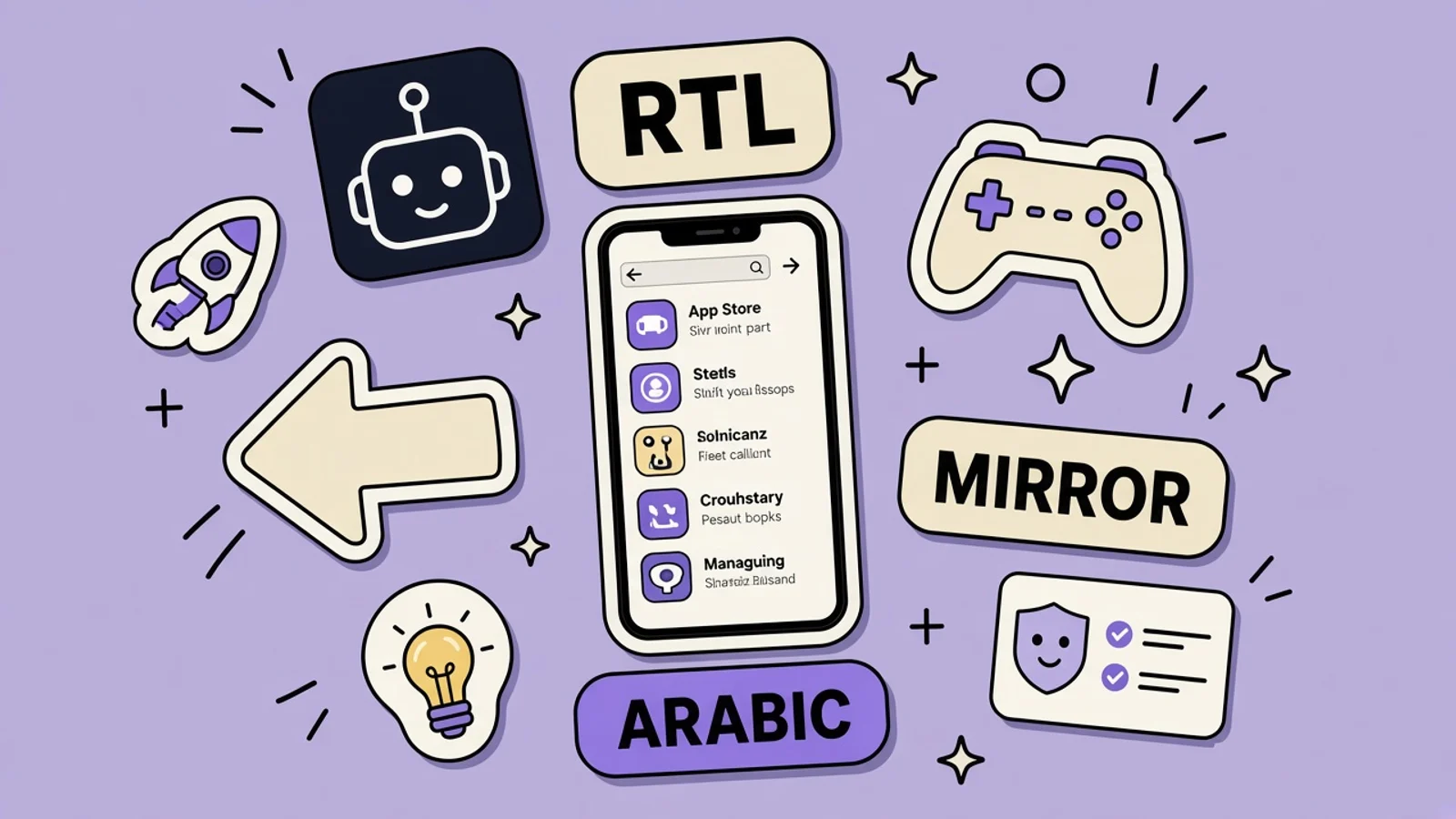
Arabic and Hebrew read right to left. The screenshot has to mirror the interface, not only translate the caption.
Quick answer
How do right-to-left App Store screenshots differ?
Arabic and Hebrew read right to left, and Apple lists both as localization languages. The screenshot must show a mirrored interface, not a translated caption on an English layout. A prayer-time and qibla app should show the schedule and the direction indicator as the app lays them out, without religious claims the product cannot make.
On this page
Right-to-left App Store screenshots are mirrored product shots, not English shots with a translated headline. Arabic and Hebrew are written from right to left. Apple includes both in the languages you can localize in App Store Connect. A reader starts at the right side of the line, and they expect the interface to start there too. If your screenshot still opens on the left, the caption cannot fix it.
The broader image pass is App Store screenshot localization. When to add the storefront at all is which countries to localize first. Keywords for that language are localized App Store keywords. Caption length still follows screenshot text, including for Arabic and Hebrew type, which needs more room than a short English line.
Translation is not mirroring
Mirroring means the layout flips. A back chevron points the other way. A list’s disclosure indicator moves. The first item in a tab bar is on the right. Text alignment follows the language. Icons that indicate direction flip. Icons that are physical objects, like a clock face, usually do not. Apple’s interface guidelines treat this as layout direction, not as a Photoshop flip of a finished English marketing frame.
If you only replace the caption, you publish a contradiction. The headline reads from the right. The buttons inside the phone still read from the left, often still in English. People notice in a second. It also fails the honesty test in guideline 2.3: the screenshot should reflect the app. If the Arabic build is mirrored, show that build. If the Arabic build is not mirrored, do not add the localization yet.
What has to move
Navigation bars, tab bars, lists, and progress that means “next” should follow the reading direction. A progress bar that fills from the left while the caption is Arabic feels unfinished. Captions themselves belong on the right, with enough line height for the script. Do not force Arabic into a Latin font that drops letters. Do not center every line as a way to avoid choosing an alignment.
Leave alone the marks that are not directional. A qibla indicator points to a place in the world. Mirroring the whole screen must not spin that arrow into a lie. The compass rose and the direction of prayer are data. The surrounding chrome, the list of prayer times, and the caption are layout. Get those jobs straight before you export.
Worked example: a prayer and qibla app
The app shows a schedule of prayer times for a location the user sets, and a direction indicator for the qibla, the direction toward the Kaaba in Mecca. That is a utility. The screenshots should show those two functions. They should not claim religious authority, a correct opinion, or that a calculation method is the only valid one. If the app lets the user choose a calculation method, the screenshot can show the method that is selected. It should not say the method is universally correct.
For Arabic, capture the schedule as a right-aligned list, with the next prayer easy to see, and capture the direction screen with the indicator readable. The caption names the job in Arabic: see the next time, or see the direction. It does not say “the most accurate” or “guaranteed.” For Hebrew, if you add that localization, do the same mirroring. Hebrew is not a dialect of Arabic. It needs its own strings, its own capture, and a reviewer who reads Hebrew. Do not reuse the Arabic screenshot with a Hebrew caption.
| Element | In an Arabic or Hebrew shot | Leave it |
|---|---|---|
| Caption | Starts on the right, in that language | Do not keep a Latin headline |
| Prayer-time list | Aligned to the reading direction | Do not leave English rows |
| Back and next controls | Point with the layout direction | Do not keep the English chevron |
| Qibla indicator | Points the way the app calculates | Do not flip the arrow just to mirror |
| iPad sidebar | On the leading side for RTL | Do not keep the English left rail |
Mirror captions, lists, and navigation for Arabic and Hebrew. Do not flip the qibla direction itself, and do not add religious claims.
iPhone and iPad both flip
If the binary supports iPad, the 13-inch screenshots are required, and the iPad layout has to be the mirrored one. A sidebar that stayed on the left because you scaled an English tablet shot is the same mistake as scaling an iPhone screenshot. Capture iPad in Arabic or Hebrew. The leading edge is the right edge.
One set per device size per localization still holds. The Arabic iPhone set is not the Hebrew iPhone set, and neither is a treatment you get by ticking a box on the English upload. You can test caption wording with Product Page Optimization inside a localization. You should not test “English UI with Arabic caption” against “mirrored UI” as if both were acceptable. Only the mirrored build is acceptable if that is what you ship.
Have a reader check the frame
You can feel when Latin text is overflowing. You cannot reliably feel when Arabic is misspelled or when a prayer name is wrong. Before you upload, a person who reads the language should look at the device, not only at a caption file. Ask them if the next prayer is obvious, if the direction screen is respectful and plain, and if any word is a claim the app should not make.
Machine translation of religious terms is a common way to ship an insult or a nonsense phrase. Do not do it to save a day. If you cannot get a reader, do not add the localization. That is the same support rule as any other country: do not invite an audience you cannot look in the eye.
Captions stay short, and they stay accurate
Arabic and Hebrew captions still have to work when the screenshot is small. A long line of translated marketing English will wrap into a paragraph. Write the caption in the language, for the screen, at a length a thumbnail can hold. Do not paste the English caption into a translator and drop the result on the old layout.
AppGrowthKit helps once the mirrored captures exist: place the right-aligned caption, check it at thumbnail size, and export the device slot. It cannot invent a right-to-left layout from an English screenshot. The build has to mirror first. Then the store image can tell the truth.
Shoot a right-to-left screenshot set
Switch the app to the language. Do not start from the English export.
Run the app in Arabic or Hebrew
Set the device or simulator to the language you are localizing and open a build that actually mirrors. Confirm the prayer-time list aligns to the right and that navigation points the right way. If the UI stays left-to-right, stop. Fix the app before you make store images. A caption cannot supply layout direction.
Capture the schedule and the direction
Shoot the next prayer time on a schedule that is readable, and shoot the qibla indicator without covering it with a caption. Do not add phrases about guaranteed accuracy or religious endorsement. If a calculation method is visible, it should be the one the app is using, not a method you prefer in the marketing file.
Write the caption in that language
Have a reader draft a short caption that starts on the right and names the job on that frame. Reject a machine-translated English slogan. Check line breaks on device. Arabic and Hebrew marks need real fonts. A Latin font with missing glyphs is an unfinished screenshot, not a style.
Repeat for iPad if you support it
Capture the iPad layout in the same language, with the sidebar on the leading side. Do not scale the iPhone Arabic shot up, and do not keep the English sidebar. Export the 13-inch size from the sizes guide with this layout inside it. Hebrew, if you offer it, gets its own captures.
Read the set with someone fluent
Ask a reader to swipe the set and tell you what the app does, whether any word overclaims, and whether the direction indicator still makes sense. Fix the build or the caption before upload. You get one set per device size per localization, so the file you upload is the one shoppers will judge.
Key takeaways
- Arabic and Hebrew screenshots must show a mirrored UI, not a translated caption on English chrome.
- Capture the running app. Do not flip a flattened English image.
- Mirror lists and navigation. Do not flip a qibla arrow away from what the app calculates.
- Make no religious claim the product cannot stand behind. Show the schedule and the direction.
- A fluent reader checks the set. iPad gets its own mirrored capture if the binary supports iPad.
Frequently asked questions
Can I translate the caption and keep the English screenshot?
No, not for Arabic or Hebrew. The interface itself has to read right to left if that is the build you are selling. A left-aligned English UI with an Arabic headline tells the shopper the app was not finished for them. Wait until the layout mirrors, then capture it. Other languages can sometimes share an image. These two cannot.
Should I horizontally flip the English file?
No. Flipping a flattened image reverses words inside the UI and can reverse a direction indicator that was already correct. It also breaks clocks and any logo that should not mirror. Change the app’s layout direction, run it, and take a new screenshot. Then write a new caption. There is no honest shortcut in an image editor.
Does the qibla compass flip when the UI mirrors?
The chrome around it mirrors. The direction it points is a bearing toward the Kaaba, and it has to stay the bearing the app shows. Do not mirror that arrow as a graphic effect. In the screenshot, keep the indicator readable and free of captions that cover it. Do not add a claim that the reading is religiously authoritative.
Is Hebrew the same layout job as Arabic?
It is the same direction, not the same language. Apple lists Hebrew separately among App Store localizations. You need Hebrew strings, a Hebrew capture, and a Hebrew reader. Reusing an Arabic screenshot because both are right to left will show the wrong words. Treat each localization as its own screenshot set.
Do right-to-left screenshots use different pixel sizes?
No. The slot sizes are the same as any other localization. What changes is the content. If you support iPad, you still need the 13-inch file, with the iPad layout mirrored. Look up the pixels in the screenshot sizes guide, and use this page for the layout. One set per device size per localization still applies.
Need store-sized exports? Use the App Store screenshot generator or the Google Play screenshot generator.
Keep reading
How to Localize App Store Screenshots Without Breaking Them
A practical localization workflow for App Store and Google Play screenshots—how to choose markets, adapt the promise, handle text expansion, and QA every frame before upload.
Which Countries to Localize an App First
Do not translate every storefront on day one. Start where you can support people and where search is not already in your language.
iPad App Store Screenshots, Not Scaled iPhone
If the binary supports iPad, the 13-inch screenshots are required. They have to show the iPad layout, not a phone image stretched onto a tablet canvas.
How to Localize App Store Keywords
Each locale gets its own 100-character keyword field. Apple does not copy it from your primary language. A translation of the English list is the wrong way to fill the blank.
App Store Screenshot Text: What to Write (2026)
A practical formula for App Store screenshot captions: match the searcher’s intent, lead with a benefit, and stay readable before the UI ever gets a chance to explain itself.
Free tools that help here
ASO Character Counter
Count characters for every App Store and Google Play metadata field against exact store limits. Live counts and over-limit warnings - nothing gets truncated at submission.
Screenshot Beautifier
Add polished backgrounds, padding, shadows, and rounded corners to any screenshot in seconds. Perfect for social posts, docs, and portfolios.
Mirror the screen before you translate the caption
Capture the Arabic or Hebrew layout as it ships, with the schedule and direction indicator reading from the right.
Try AppGrowthKit for Free