How to Localize App Store Screenshots Without Breaking Them
A practical localization workflow for App Store and Google Play screenshots—how to choose markets, adapt the promise, handle text expansion, and QA every frame before upload.
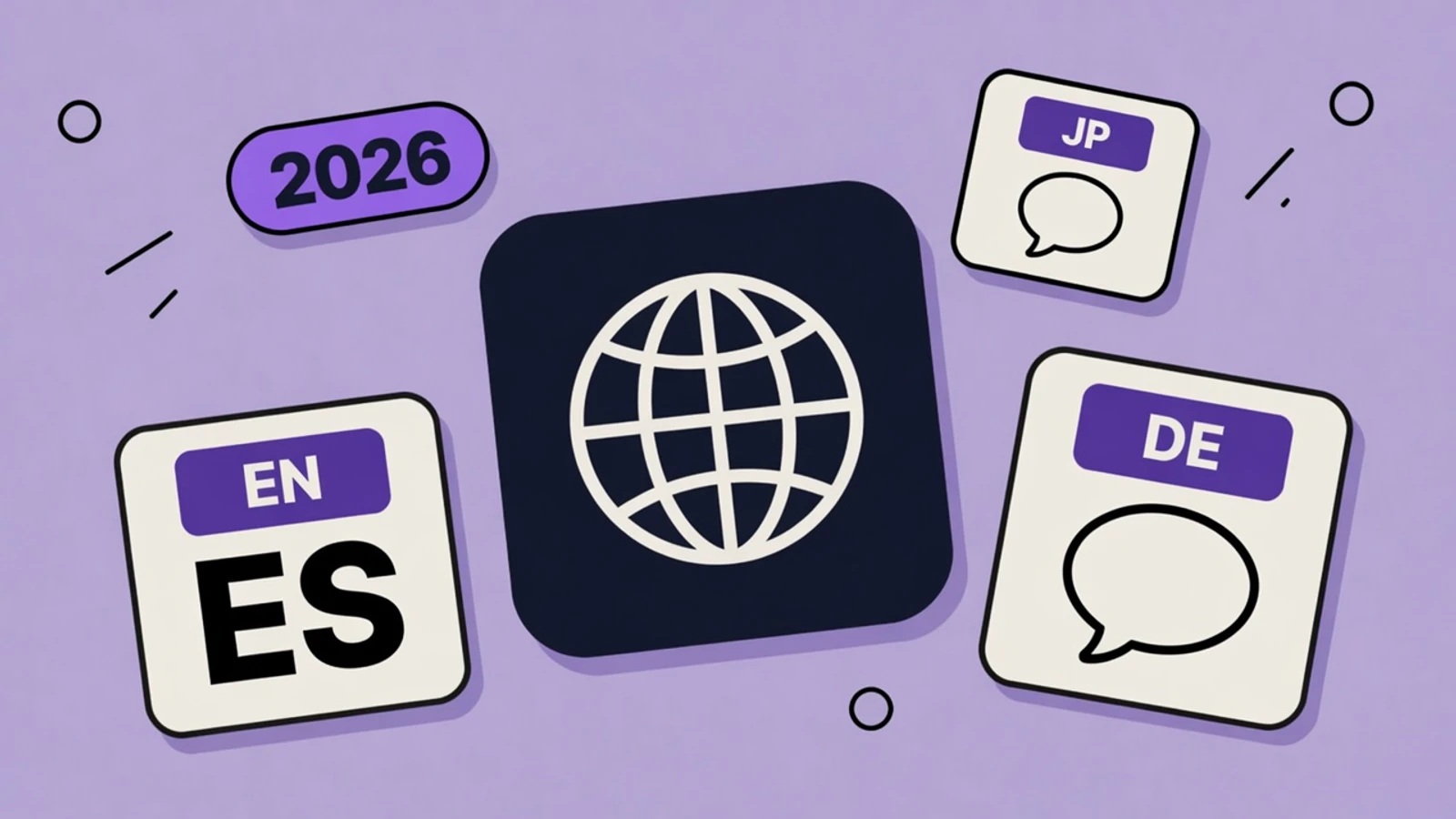
Quick answer
How should you localize App Store screenshots?
Localize App Store screenshots by adapting the customer promise, caption length, UI language, and cultural examples for each priority market—not by translating English text line by line. Start with markets where you already have demand or product support, keep a reusable master layout, test expanded and right-to-left copy before export, and upload the correct creative per locale.
- Prioritize markets using demand, revenue, and product readiness
- Translate the benefit, not only the literal words
- Design for text expansion before layouts become brittle
- Use real localized UI wherever it is visible
- QA locale, device size, crop, and upload selection together
On this page
- Key takeaways
- Decide which markets deserve a full screenshot set
- Translate the promise, not the sentence
- Design for expansion before it becomes a bug
- Use localized app UI, not a translated headline over English screens
- QA the asset set as one release
- A scalable production workflow
- Localize a screenshot set without starting over
- Frequently asked questions
Localization is where a clean screenshot system either proves itself or collapses. English captions that felt perfectly balanced can wrap into three lines in German; a tidy left-to-right composition can feel wrong for Arabic; a familiar example can be irrelevant in another market. The answer is not to ship English everywhere. It is to treat each localized set as the same product story, retold for a specific reader.
Apple supports localized screenshots through App Store Connect’s Media Manager, and Apple’s localization guidance recommends testing for truncation, overlap, and right-to-left formatting. This guide focuses on the creative-production layer; start with our screenshot-text guide if the original caption strategy is not settled yet. The matching keyword field is a separate 100 characters per locale — how to localize App Store keywords.
Decide which markets deserve a full screenshot set
Do not make twelve translations just because the store lets you add them. Start where three conditions meet: you can support the language in the app, you have meaningful demand or revenue potential, and the category message needs translation to convert. A localized product page that leads to an English-only first session creates a trust gap.
| Question | Why it matters | Action |
|---|---|---|
| Is the app and support experience localized? | The screenshot promise must continue after install. | Do not lead with a language the product cannot support. |
| Do you have demand, revenue, or a clear acquisition plan? | Creative work should serve a real opportunity. | Prioritize top countries before broad coverage. |
| Does English already work for this audience? | Some markets may need less urgent creative adaptation. | Use data and user feedback, not assumptions. |
| Is the message culturally specific? | Examples, currencies, and routines can change the value proposition. | Adapt the concept, not merely the strings. |
Prioritize screenshot localization where it can improve a complete, credible product experience.
Translate the promise, not the sentence
A direct translation can preserve words while losing the reason to install. Begin with the job the viewer wants done in that market, then write the shortest natural headline that communicates it. Keep the frame’s role stable—outcome, mechanism, proof—but let the copy sound native rather than mechanically equivalent.
| Keep consistent | Adapt by locale |
|---|---|
| The product story and ordering of frames | Caption phrasing, length, and reading rhythm |
| The real capability each UI screen proves | Currency, dates, names, and examples |
| Brand recognition and honest claims | Cultural references and visual emphasis |
| High-level color and device treatment | Right-to-left composition and text alignment where needed |
Localization keeps product truth intact while adapting the presentation so the message feels natural in the target market.
Design for expansion before it becomes a bug
Screenshots are not flexible web layouts. A phrase that needs one line in English may take two or three in another language, while Japanese and Korean may distribute visual density differently. Design a master system with spare vertical space, dependable hierarchy, and captions that can shorten without changing the promise.
- Write the English master headline shorter than the maximum you can fit.
- Use a text-safe area that does not collide with the device frame or status bar.
- Keep background art and decorative shapes away from caption edges.
- Provide a short and long copy option for each frame.
- Review pseudolocalized or longest-language strings before finalizing the master layout.
Use localized app UI, not a translated headline over English screens
If the screenshot shows product text, dates, currencies, or onboarding prompts, capture the actual localized UI when possible. A Spanish headline floating above English settings labels makes the product feel unfinished. When local UI is not ready, choose a frame with less language-dependent interface content rather than faking a screen.
QA the asset set as one release
| Check | What to inspect |
|---|---|
| Meaning | Headline is natural, specific, and matches the actual screen. |
| Layout | No clipping, awkward wrapping, overlap, or unsafe text placement. |
| Direction | Right-to-left text, alignment, and visual flow are intentional where required. |
| UI fidelity | Visible app content matches the target language, region, and current product. |
| Store setup | Correct locale, device size, order, file type, and no-alpha requirement are selected. |
| Thumbnail read | The core promise still reads quickly when the full screenshot is small. |
Review the final exported files at their store dimensions and in the correct locale—not only inside the design canvas.
A scalable production workflow
Localize a screenshot set without starting over
One editable master set plus a disciplined copy and QA pass is faster and safer than independently rebuilding every locale.
Rank markets before translating
Choose a small first batch based on product support, demand, and acquisition priorities.
Create a frame-intent brief
Document the job of each screenshot and include short/long caption options for translators.
Collect localized UI captures
Use real product screens in the target language, region, and state wherever users will see text.
Adapt captions in context
Replace copy in your AppGrowthKit master layout; preserve the story but make the line sound natural.
Stress-test layout and thumbnail readability
Check long strings, right-to-left locales, crop safety, and readability before exporting each device size.
Upload and verify the locale
Select the intended App Store Connect or Play Console localization, then re-check the preview and ordering after upload.
Localization that still converts
- Prioritize markets where localized creative can lead to a fully supported product experience.
- Treat every caption as a local promise, not a word-for-word translation task.
- Plan for expansion and RTL behavior in the master layout.
- Show real localized UI whenever the interface contains visible language.
- QA the exported store asset, not just the artboard.
Frequently asked questions
Should I localize App Store screenshots or only metadata?
Localize screenshots when the target market is important enough to support with a credible in-app experience. Localized metadata can earn attention, but matching screenshots help visitors understand that the product is truly for them.
How many locales should I localize first?
Start with a small, evidence-based set of markets where you have product support and demand. It is better to maintain three excellent localized screenshot sets than to ship fifteen partial or stale translations.
Do screenshots need different layouts for every language?
Not always. A flexible master layout can support many locales, but it must have room for expansion. Right-to-left languages, very long translations, or a different local value proposition may justify a tailored composition.
Can I reuse English app UI under a translated caption?
Avoid it when visible UI includes language, dates, currencies, or labels. Use localized screens where possible; otherwise select a screen that does not create a conspicuous language mismatch.
Need store-sized exports? Use the App Store screenshot generator or the Google Play screenshot generator.
Keep reading
How to Localize App Store Keywords
Each locale gets its own 100-character keyword field. Apple does not copy it from your primary language. A translation of the English list is the wrong way to fill the blank.
“Please Save New Locales” in App Store Connect
The error is literal: the language you just added is not on Apple’s server yet. Save the locale, then upload screenshots. Here is the order that stops the loop.
App Store Screenshot Text: What to Write (2026)
A practical formula for App Store screenshot captions: match the searcher’s intent, lead with a benefit, and stay readable before the UI ever gets a chance to explain itself.
App Store Screenshot Best Practices (2026)
How to design App Store and Google Play screenshots that convert - first-three rules, captions, storytelling, localization, and what to avoid in 2026.
App Store & Google Play Character Limits (2026)
Exact character limits for every App Store Connect and Google Play metadata field - name, subtitle, keywords, promo text, descriptions - plus how to use each one.
Free tools that help here
ASO Character Counter
Count characters for every App Store and Google Play metadata field against exact store limits. Live counts and over-limit warnings - nothing gets truncated at submission.
Screenshot Beautifier
Add polished backgrounds, padding, shadows, and rounded corners to any screenshot in seconds. Perfect for social posts, docs, and portfolios.
Localize a whole screenshot set with AI
Choose a market and AppGrowthKit creates editable localized copy while keeping your layout, imagery, and layers intact. Review the version, fine-tune it, and export with confidence.
Try AppGrowthKit