Play Wants Four Screenshots. Two Just Publishes.
Google Play will ship a listing with two screenshots. The large recommendation surfaces that actually use screenshots ask for four frames at 1080px or larger. That gap is how indie Android apps stay live and stay invisible.
Quick answer
How many Google Play screenshots do you need in 2026?
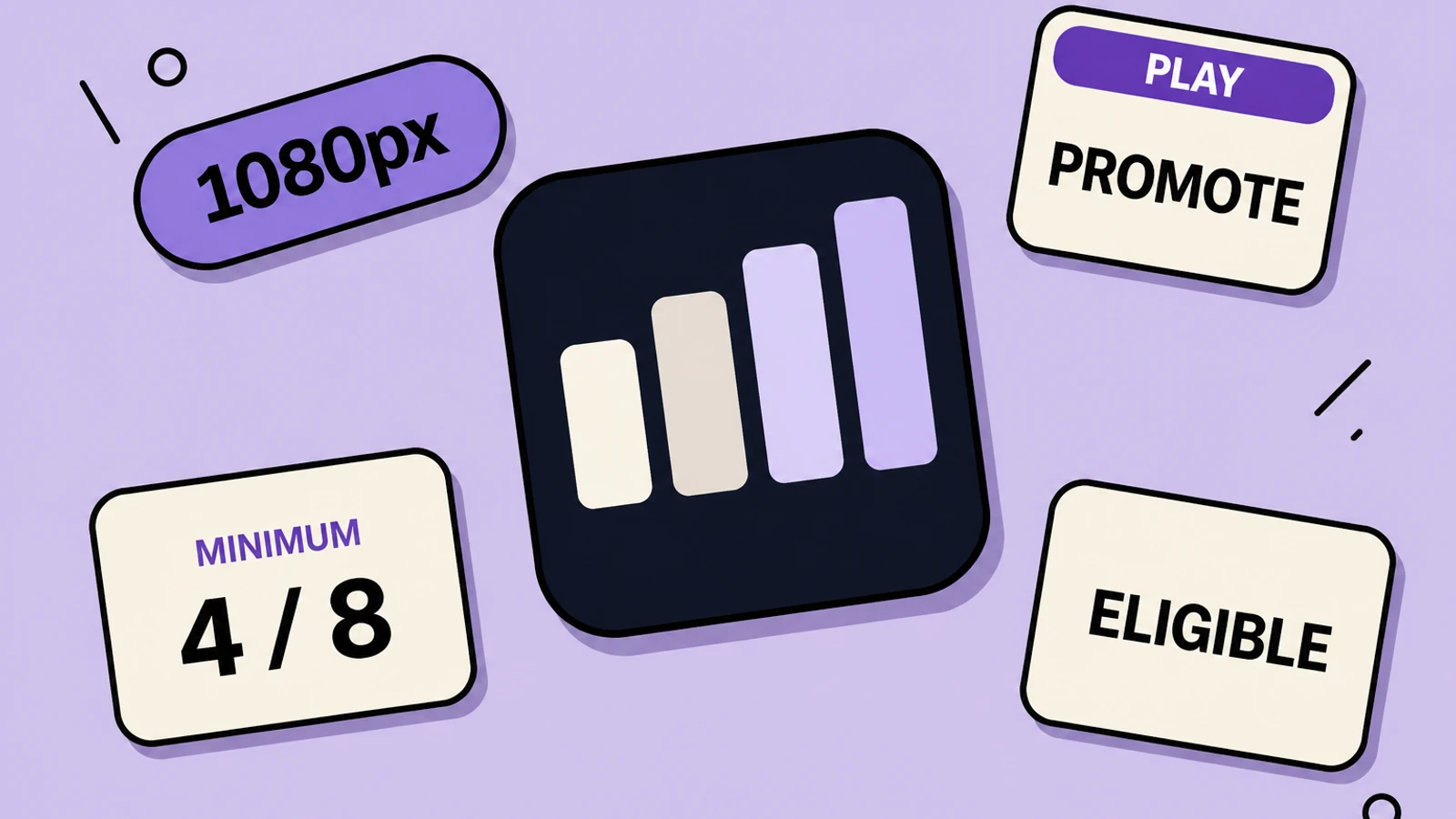
You must provide at least two screenshots across device types to publish a Play store listing. To be eligible for Play recommendation formats that display screenshots, Google’s highly recommended bar is different: apps need at least four screenshots at 1080px or larger, 9:16 portrait (minimum 1080×1920) or 16:9 landscape (minimum 1920×1080). Games need at least three frames at those sizes. Missing the recommended bar does not take the listing down. It can change how preview assets appear and limit promotional opportunities.
- Two screenshots is the publish minimum, not the promotion minimum
- Recommendation carousels that use screenshots want four 1080px+ app frames
- Portrait 1080×1920 or landscape 1920×1080 is the documented floor
- Show the real in-app experience; prioritize UI in the first three frames
- Failing “highly recommended” can limit promo without breaking the store page
On this page
A lot of Android listings are technically complete and commercially unfinished. Two screenshots satisfied Play Console. The homepage row that shows other apps as a stack of large frames never had four 1080px images to work with. Google wrote that distinction down. Most indie checklists still stop at “can I press Publish.”
Play Console Help, Add preview assets to showcase your app , splits the world in two. Requirements are mandatory. Highly recommended guidelines “can help make your app or game more eligible for recommendation and promotion throughout Google Play.” Skip them and the store listing page can still look fine. Preview assets may display differently, and promotional opportunities can shrink.
The two-versus-four rule, quoted
| Bar | What Google asks | What happens if you miss it |
|---|---|---|
| Publish | Minimum two screenshots across device types | You cannot ship the listing |
| Phone / tablet / Chromebook cap | Up to eight screenshots per device type | Extra frames past eight do not upload |
| App recommendations that use screenshots | At least four screenshots, 1080px+, 9:16 or 16:9 | You may be ineligible for those large screenshot formats |
| Game recommendations that use screenshots | At least three 16:9 or 9:16 frames at 1080px+ | Same eligibility miss on game recommendation rows |
| File format | JPEG or 24-bit PNG, no alpha, long side ≤ 2× short side | Upload error or a rejected asset |
Two frames get you onto Play. Four high-resolution, in-app frames are what Google documents for screenshot-based recommendation modules. Those are not the same task.
What those four frames have to show
Google’s recommendation language is not “four pretty marketing cards.” Screenshots must demonstrate the actual in-app or in-game experience and focus on core features so people can anticipate the product. Stylized screenshots that break UI across multiple images are allowed, with a catch: prioritize UI in the first three screenshots as much as possible.
- Frame 1: the job in the real UI, readable at browse-row size.
- Frames 2–3: still mostly UI. Captions can sit around it. Do not hide the product behind illustration.
- Frame 4: the extra proof that makes you eligible — a second flow, not a logo poster.
- Avoid tiny type and busy backgrounds. Google says they will not be visible on many phones.
- Add alt text per screenshot. Play documents this for screen-reader users; it is not optional hygiene.
Promotion is also the feature graphic and the short description
Screenshots are not the only preview asset Play reuses off the listing. The feature graphic still has to exist at 1024×500. The short description is 80 characters and can appear beyond the detail page. Google tells you not to duplicate the same boast across short description, screenshots, feature graphic, and video because those assets may show side by side. Four new screenshots that repeat “#1 app” in the caption are still a metadata-policy problem.
If you already have traffic, do not guess which fourth frame helps. Run a Store Listing Experiment on screenshot one after the set meets the 1080px count. Eligibility and conversion are sequential jobs.
Go from publish-minimum to recommendation-eligible
Count what Console actually has
Open Grow users > Store presence > Main store listing. Count phone screenshots and note each file’s pixel size. Two 720px frames is a publish-only listing.
Capture or reuse four real screens
Use filled, current UI. Skip splash. If you only have two good captures, shoot two more from the production APK — do not duplicate frame one with a recolor.
Export 1080×1920 (or 1920×1080) without alpha
Build the four-frame set in AppGrowthKit, keep UI honest, captions short, PNG 24-bit or JPEG, no transparency.
Write alt text while you upload
One sentence per frame that names the task on screen. Not “screenshot 3.”
Recheck the highly recommended list
Four 1080px+ 9:16 or 16:9 app frames, UI-led first three, feature graphic present, short description unique. Then leave the listing alone long enough for Play to recrawl promo surfaces.
Play screenshot-count questions
If I only upload two screenshots, is my app hidden?
No. Two is enough to publish. Google says missing highly recommended guidelines will not impact the store listing page, but may change how preview assets appear and may limit promotional opportunities — including screenshot-based recommendation modules.
Do tablet screenshots count toward the four?
The recommendation language is about providing at least four screenshots at the stated sizes and ratios so Play can use them in large screenshot formats. Phone 1080×1920 frames are the reliable way to satisfy that for a phone app. Do not assume two phone plus two unrelated TV crops meet the app recommendation bar.
Can the four frames be stylized marketing images?
Google allows stylized screenshots but wants the actual in-app experience, with UI prioritized in the first three. A fully illustrated set with no real UI is the wrong bet for recommendation eligibility and for store policy.
Is this the same as App Store search showing three screenshots?
No. Apple search shows up to three frames from the product page. Play’s four-at-1080 rule is about eligibility for Google’s own recommendation presentations. Meet both stores on their own terms; do not port the count blindly.
Sources, verified 2026-08-21:
Need store-sized exports? Use the App Store screenshot generator or the Google Play screenshot generator.
Keep reading
Google Play Store Listing Experiments: A Practical Guide
How to test a Play Store icon, screenshots, feature graphic, or video without fooling yourself with a tiny sample or a muddy hypothesis.
Google Play Feature Graphic Size & Requirements (2026)
The exact 1024×500 Google Play feature-graphic spec, plus the content rules, cutoff zones, video overlay considerations, and a practical design checklist for a banner that still reads on a phone.
Google Play AI Discovery: Gemini, Ask Play, and Play Shorts
Google Play discovery is moving beyond the keyword box. Gemini, Ask Play, full-screen video, custom listings, and re-engagement surfaces reward a listing that can explain one real customer outcome clearly and consistently.
App Store & Google Play Screenshot Sizes (2026)
Every required and optional screenshot dimension for iPhone, iPad, Mac, Watch, Apple TV, Vision Pro, and Google Play - straight from Apple and Google's current specs.
Free tools that help here
App Icon Generator
Drop in one 1024px icon and download every iOS and Android size, ready for Xcode and Android Studio. Runs entirely in your browser - nothing gets uploaded.
ASO Character Counter
Count characters for every App Store and Google Play metadata field against exact store limits. Live counts and over-limit warnings - nothing gets truncated at submission.
Screenshot Beautifier
Add polished backgrounds, padding, shadows, and rounded corners to any screenshot in seconds. Perfect for social posts, docs, and portfolios.
Publishing is two frames. Getting shown is four honest ones.
AppGrowthKit turns the screens you already captured into a Play-sized set — 1080×1920 and up — so you are not stuck on the publish minimum while recommendation rows move on.
Try AppGrowthKit for Free