Custom Product Pages Are an Indie Search Lever
Apple will show a Custom Product Page in App Store search when you assign keywords to it — instead of your default listing. That is not an ads-only feature. It is extra screenshot sets aimed at extra jobs, and most small teams never ship the second set.
Quick answer
Should indie apps use App Store Custom Product Pages?
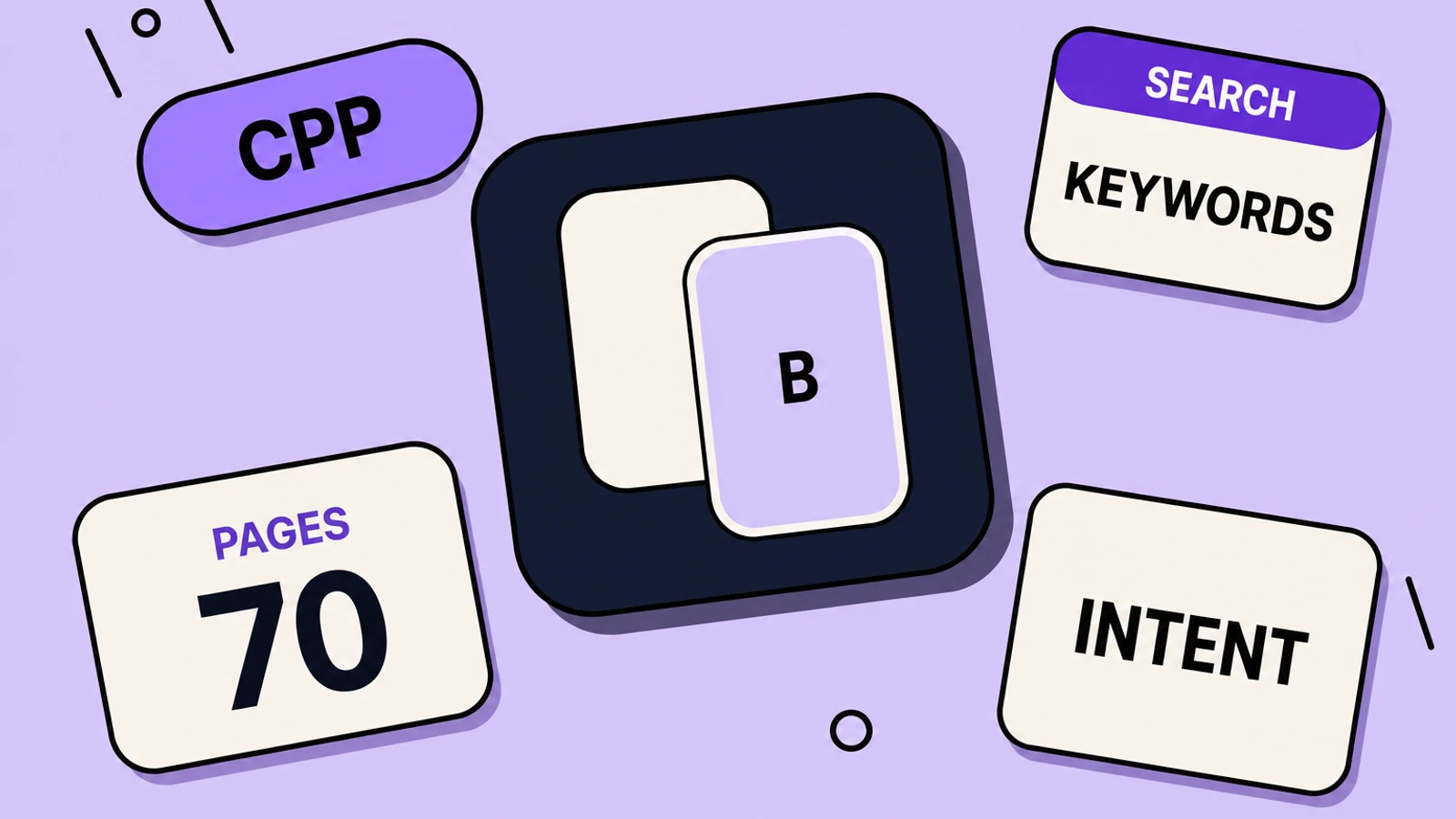
Yes, when you have more than one real customer job and can tell a truthful screenshot story for each. You can publish up to 70 extra product pages with different screenshots, previews, and promotional text. Assign keywords from your latest approved version so that page appears in search for those terms instead of the default listing. Share the unique URL in campaigns. Apple publishes an average 2.5 percentage-point conversion lift when people are referred to a custom page versus the default page — that is Apple’s figure, not a promise for every app.
- A Custom Product Page can replace the default listing in search for assigned keywords
- Each page gets its own screenshots, promotional text, previews, and URL
- Keywords must be unique per page and taken from the latest approved app version
- The page is searchable only after it is approved and set to visible
- Deep links on custom pages are supported on iOS 18 and later
On this page
Indie listings usually argue with themselves. Screenshot one tries to be invoicing, mileage, and “works offline.” Searchers arrive with one of those jobs. Apple already ships the tool that stops that fight: a Custom Product Page with its own screenshots, aimed at a keyword set, shown in search instead of the default page.
Apple’s Custom Product Pages overview is not an ads-only footnote. You can publish up to 70 additional versions of the product page for iPhone and iPad. Vary screenshots, promotional text, and app previews. Share a unique URL. Use the page in Apple Ads. And: custom product pages can also appear in relevant search results.
What are Custom Product Pages?
Custom Product Pages are extra App Store product pages you can publish beside the default listing — up to 70 of them. Each page gets its own screenshots, promotional text, app previews, and URL. Assign keywords from your latest approved version so that page can replace the default listing in App Store search. The same pages work in Apple Search Ads and in campaign links. They are not ads-only, and they are not the same as Product Page Optimization experiments.
Search is the part most teams skip
App Store Connect Help is the operational source. A custom page is visible if someone follows its URL, or if you make it visible in search by adding keywords. Otherwise the default page displays. You assign keywords from the latest approved app version. The custom page is searchable only after it is approved and set to visible. Apple’s search page repeats the same instruction: assign keywords so the custom page appears for those terms rather than the default listing, and keep each keyword combination unique to a single page.
| Job | Default page | Custom page |
|---|---|---|
| Who sees it | Everyone who is not sent elsewhere | People who search assigned keywords, plus anyone with the unique URL |
| Screenshots | One compromise set | A set that answers one job |
| Promotional text | One blurb | A blurb that matches that job |
| Icon, name, category | Shared with every page | Still shared — you are not making a second app |
| Review | Tied to versions as usual | Metadata can be submitted independent of an app update |
A Custom Product Page is not a second binary. It is a second proof pack. Search is how that pack reaches people who never clicked your campaign link.
When an indie app actually needs a second page
- Two search intents that are both real: “invoice reminder” vs “mileage log” in the same utility.
- A seasonal or sports-team surface you already promote on the web — the CBS Sports pattern Apple highlights.
- An Apple Ads campaign that should land on the same story the ad promised, not on a generic carousel.
- A localization where the default English frames bury the job that market actually buys.
- Pre-order, if the story you are advertising is a specific mode, not the whole app.
This is not Product Page Optimization
PPO tests alternate icons, screenshots, and previews on a random slice of eligible users, then you pick a winner for the default page. A Custom Product Page is a parallel listing for a known audience or query. Run PPO to improve the default. Run custom pages to stop forcing every query through that default. Our Product Page Optimization guide covers the test. This page covers the extra storefronts.
- Keep keyword sets disjoint. Two pages sharing “timer” will fight and confuse relevance.
- Match screenshot one to the assigned keywords. Search still shows up to three screenshots.
- Deep-link the page on iOS 18+ so the install opens the mode you advertised.
- Measure in App Analytics after the page has at least five first-time downloads — Apple’s reporting floor for those metrics.
- Fall Creative Assets can live on custom pages too. Do not design a header that contradicts the custom screenshot story.
Ship one Custom Product Page this week
Pick one leftover job
Find a keyword already in your 100-character field that screenshot one on the default page does not answer. That is the custom page, not a new keyword stuffing exercise.
Write the three-frame story
Frame 1 is that job. Frame 2 is the mechanism. Frame 3 is proof. Promotional text repeats the same sentence in prose.
Build the extra screenshot set
Reuse real captures in AppGrowthKit, recaption for the job, export the same required sizes as the default page. Do not invent UI the binary lacks.
Create the page in Connect
Start from a copy of the default page or a blank page. Add screenshots, promotional text, optional preview, and a unique keyword set from the latest approved version. Set it visible after approval.
Verify search and the URL
Confirm the unique URL loads the custom frames. After approval, search a unique assigned term on a US store account and check that the custom set — not the default — is what search shows.
Custom Product Page questions
Do Custom Product Pages require Apple Ads?
No. Ads can point at them. Search can show them when you assign keywords. Unique URLs work in email, social, and the web. Ads are one distribution path, not the feature.
Can I change the app icon on a custom page?
Custom pages vary screenshots, promotional text, and app previews. The app icon, name, and category stay with the app. Icon tests belong in Product Page Optimization.
How many pages should a solo founder make?
Start with one extra page for the second real job. Seventy is a cap, not a quota. Each page is another screenshot set to keep honest when the product changes.
Do custom pages work on Android?
This is an App Store feature. Google Play has custom store listings with a different console workflow. Do not paste an App Store custom URL into Play and expect the same behavior.
Sources, verified 2026-08-21:
Need store-sized exports? Use the App Store screenshot generator or the Google Play screenshot generator.
Keep reading
Custom Product Pages for Apple Search Ads
A Custom Product Page is not ads-only — but Search Ads is where a second screenshot set pays for itself. How to aim a page at a keyword without wrecking the default listing.
App Store Product Page Optimization Guide (2026)
How Product Page Optimization (PPO) and Custom Product Pages work on the App Store - what you can A/B test, how to read results, and how to ship screenshot variants that actually move conversion.
App Store Screenshot Best Practices (2026)
How to design App Store and Google Play screenshots that convert - first-three rules, captions, storytelling, localization, and what to avoid in 2026.
App Store Promotional Text vs Description
Promotional text is 170 characters you can edit without a new binary. The description is 4,000 characters that wait for a version. Neither one is your ranking field.
App Store Creative Assets: What to Ship This Fall
Apple’s new Creative Assets go live on the App Store this fall. Here is what they are, where they appear in iOS 27, how Asset Library works, and how to prepare headers and search art without throwing away your screenshots.
Free tools that help here
Top App Store Apps
Track Apple App Store top charts across 30 countries. View top free and paid rankings for ASO research - updated from Apple's public RSS feed.
ASO Character Counter
Count characters for every App Store and Google Play metadata field against exact store limits. Live counts and over-limit warnings - nothing gets truncated at submission.
Screenshot Beautifier
Add polished backgrounds, padding, shadows, and rounded corners to any screenshot in seconds. Perfect for social posts, docs, and portfolios.
A second job needs a second screenshot set, not a compromise frame.
AppGrowthKit turns the same real captures into another captioned, store-sized deck so the invoicing page and the mileage page are not fighting for screenshot one.
Try AppGrowthKit for Free