Google Play Closed Testing Before Production
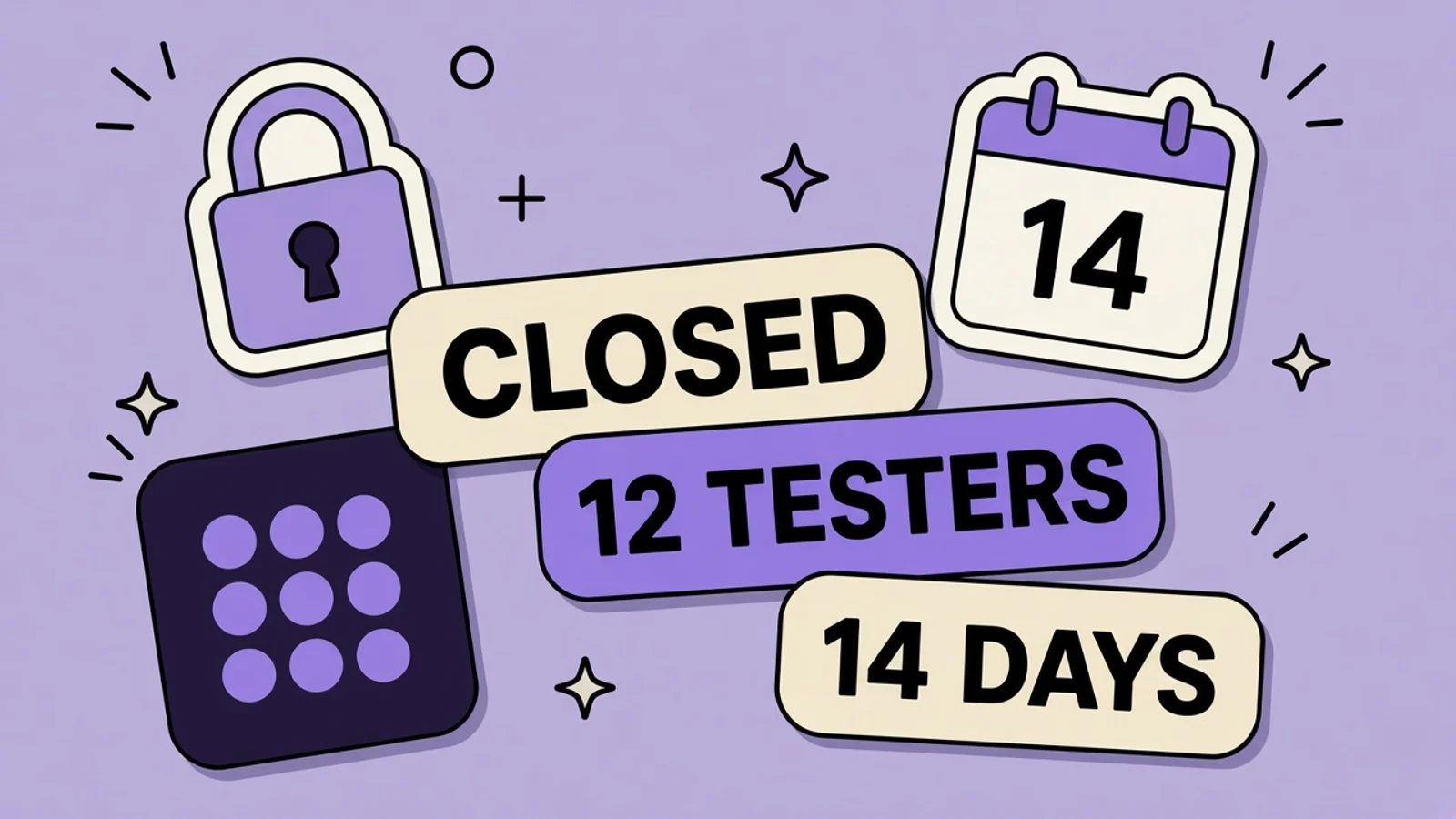
A new personal Play account cannot ship a habit app to production until a closed test has at least 12 testers opted in for 14 days straight. An opt-out resets that tester.
Quick answer
What does Google Play closed testing require before production?
Personal Play accounts created after November 13, 2023 must run a closed test with at least 12 testers opted in for the preceding 14 days, then apply for production. If a tester opts out, that person’s 14 days start over. You can target testers by email list or Google Group. An internal test does not replace this gate.
On this page
Streak is a habit app on a personal Google Play account created after November 13, 2023. The check-in works on your phone. Production is still disabled, and so is pre-registration. Play will not let that account publish to the public store until a closed test has at least 12 testers who have been opted in continuously for the 14 days before you apply. This is not a suggestion. It is the gate on the dashboard.
The rule is in Play’s testing requirements for new personal accounts . How you build the tester list is in the closed test setup article . iOS does not use this 12-person clock. The parallel private beta there is TestFlight external testing. Do not paste one store’s caps into the other.
Who the 14-day rule applies to
The article is about personal developer accounts created after November 13, 2023. Those accounts must run a closed test before the app can be eligible for production. At least 12 testers must be opted in when you apply, and they must have been opted in continuously for the preceding 14 days. When you apply, you answer questions about the app, the test, and whether you are ready for production. Play says review usually takes seven days or less, and can take longer.
Until you meet the requirement, Production and Pre-registration stay disabled. Open testing becomes available after you have production access. An organization account or an older personal account is not this article’s mandatory clock, but Play still tells everyone to test before a public release. If Streak’s account is the new personal kind, do not announce a store URL. The console will not let you complete the announcement.
Opt-out resets the person, not the idea
Play is explicit. Testers who opt in, stay fewer than 14 days, and opt out do not count. If they opt out and later opt in again, the 14 days must be consecutive. A tester who misses day 9 and rejoins on day 10 starts that personal clock over. Your other testers keep the days they already earned. The requirement is 12 people who each have an unbroken 14 days at the moment you apply, not an average and not a pile of weekend installs.
Tell them that before they opt in. Play’s own testing guidance says to inform testers they need to stay opted in continuously for at least 14 days. A habit app is a decent fit for that sentence: the test is the product. Ask them to check in on the days they would actually use Streak. If they only install and vanish, you may meet a headcount and still get sent back for weak engagement. The apply form asks how testing went. “Twelve friends installed” is a thin answer.
Email lists and Google Groups
| Method | What Play allows | Streak use |
|---|---|---|
| Email list | Up to 200 lists, up to 2,000 addresses each, and up to 50 lists per track. | A named list of people who agreed to check in for 14 days. CSV upload replaces the addresses already on that list. |
| Google Group | Enter the group address, [email protected]. Only members can join. | A small accountability group. Membership in the group is the allow-list. Play does not give a separate member cap on this page. |
| Internal test | Up to 100 testers by email. Fast, and not the production gate. | You and a couple of collaborators. It does not count as the 12-person closed test. |
Closed tests target people by email list or Google Group. The production rule is still 12 testers opted in for 14 consecutive days, which an internal track does not satisfy.
Internal testing feels faster and does not count
An internal test can go out quickly, including before the app is fully configured, to up to 100 testers. Play recommends it before a closed test. It is the wrong track for the production application. The dashboard wants a closed test. If you only ever publish internal builds, the 14-day counter you care about never starts. Run internal until the check-in does not crash, then move the same people, if they agree, onto the closed track and restart the conversation about staying opted in.
The first time you publish a test, the opt-in link can take several hours to work. Warn the 12. A tester who cannot opt in on night one is not failing you. A tester who opts in, gets bored, and leaves on day 6 is resetting their own clock. Keep a simple record of who is still in. You will summarize feedback when you apply. Play says that summary is part of the application.
What you apply with
When the 12 people have stayed in, open the dashboard and apply for production. The form has sections about the closed test, the app, and production readiness. You describe what testers did and whether that looked like real use. If Play says you need more testing, the usual reasons include fewer than 12 opted-in testers or weak engagement. Keep the closed test running while you fix what they reported. Play also says you are responsible for policy compliance before you apply. Review is not a debugging service.
After approval you can open Production and, if you want it, open testing. Pre-registration becomes possible too. That campaign is a different job, with a 90-day limit, covered in the pre-registration guide. A staged rollout is how you release a production bundle gradually. It comes after this gate, not instead of it. The launch checklist is the listing work you should not skip while the 14 days run.
Use the 14 days as the product test
Streak’s whole point is showing up on ordinary days. Ask each tester to check in the way a stranger would: one habit, a reminder, a miss, a return. Write down what confused them. You need that story for the application, and you need it because a habit app that only the developer can operate will collect bad ratings the week production opens. Fix the reminder during the closed test. The listing screenshots should be the check-in they used, not a concept frame.
AppGrowthKit can frame that check-in once the screen is stable. Do not spend the 14 days on screenshot concepts while testers are dropping out. Data safety and the content rating still have to be true before the public listing. Closed testing does not waive them. A feedback URL or email on the opt-in page is required so testers know where notes go. Put a real inbox there.
Clear closed testing for Streak
Recruit before you start the clock. The 14 days are consecutive per tester, and you cannot apply early because you are impatient.
Confirm the account is the kind with the gate
If the personal Play account was created after November 13, 2023, production and pre-registration stay disabled until the closed test qualifies. Read the dashboard instead of guessing from a blog. If the account is older or an organization, you may not have this mandatory clock, but you should still run a closed test before you invite the public. Do not create a second personal account to dodge the rule.
Put at least 12 people on an email list or a Google Group
Create an email list and add people who agreed to stay opted in. You can keep up to 200 lists, 2,000 addresses each, and 50 lists on a track. Or use a Google Group address and only members can join. Recruit a few extras. Someone will opt out, and that person stops counting until they complete a new 14-day stretch. An internal list of fellow developers does not replace this closed-track list.
Publish the closed test and explain the 14 days
Ship the habit build to the closed track. The opt-in link can take several hours the first time. Send it with a plain note: stay opted in for 14 days without a gap, check in as you would after launch, and use the feedback email on the opt-in page. If they leave and come back, their days start over. Your job is to notice who left while there is still time to replace them.
Fix the app while the clock runs
Read check-in failures and reminder bugs during the 14 days, not after you apply. Update the closed-test bundle so the next day of the streak is the fixed one. Keep a short log of what testers said. The application asks you to summarize that feedback and to say whether usage looked like production. A crash-free developer phone is not the summary they want.
Apply only when 12 streaks are intact
On the day you apply, 12 testers must still be opted in, each with the preceding 14 days unbroken. Answer the test, app, and production-readiness questions. Play usually reviews in seven days or less, sometimes longer. If they ask for more testing, keep the closed track running. When access is granted, you may publish to production and consider a staged rollout. Pre-registration is finally available if you want it. It was not available yesterday.
Key takeaways
- New personal accounts created after November 13, 2023 need a closed test before production.
- At least 12 testers must be opted in continuously for the preceding 14 days when you apply.
- An opt-out resets that tester. The 14 days have to be consecutive.
- Target them with an email list or a Google Group. Internal testing does not replace the closed test.
- Production and pre-registration stay disabled until you pass. Review often takes seven days or less.
Frequently asked questions
Does this 12-tester rule apply to every Play account?
Play’s article is about personal accounts created after November 13, 2023. Those accounts cannot use production or pre-registration until the closed test meets the 12-tester, 14-day bar and the production-access application is approved. Other account types are not given that same mandatory clock in the article. They are still told to test. If you are unsure which account you have, the dashboard is the check: if Production is disabled and the page describes this requirement, you are in it. Opening a new personal account is not a workaround.
What if someone opts out on day 10?
That tester no longer counts. Play says testers who opt in for fewer than 14 days and then opt out do not count, and if they opt back in the 14 days must be consecutive. The other testers are unaffected. Replace the person or wait until they complete a fresh 14 days, and do not apply while you are short of 12 continuous opt-ins. This is why you recruit more than 12 at the start. A habit app that nags them to stay in the test is fine. A test that hides the rule is how you lose day 13.
Can I use an internal test instead?
No. Internal testing is a fast track for up to 100 testers and is useful before the app is fully set up. It is not the closed test Play requires for this production application. Publish a closed track, add an email list or a Google Group, and keep those testers opted in. You can run internal testing at the same time for your own fixes. Only the closed-test opt-ins satisfy the 12 and the 14 days. Open testing is not available until after production access.
How big can the email list be?
For a closed test, Play says you can create up to 200 email lists, each with up to 2,000 users, and up to 50 lists per track. You do not need those caps for Streak. You need 12 people who stay. A Google Group is the other option: you enter the group email, and only members can join. The help page does not state a separate numeric cap for group size. Uploading a CSV to an email list overwrites the addresses already on that list, so do not rebuild the list carelessly on day 12.
Can I pre-register while the 14 days run?
Not on an account that has not met the testing requirement. Play disables pre-registration until then. Finish the closed test, apply, and get production access. Then decide whether a pre-registration campaign is useful. It is a public listing with its own 90-day limit, not a substitute for opted-in testers. TestFlight on iOS will not satisfy this Play rule either. Streak on Android has to do the closed test in Play Console.
Keep reading
Google Play Staged Rollouts
You pick the percent. It does not climb by itself. Halt and resume keep the same users. Not for the first publish. If the listing must match the build, change it at 100%.
Google Play Pre-Registration for a New App
Pre-registration lets people sign up on the store listing before you publish. It is not a closed test, and the listing they see has to be the game you will ship.
TestFlight External Testing Before Launch
External TestFlight is how people who are not on your App Store Connect team install a recipe app before it is public. The first build still goes through Beta App Review.
App Store Launch Checklist: From Screenshots to First Users
A practical launch plan for indie app developers: get your listing compliant, make screenshots convert, recruit useful early feedback, then improve with evidence instead of post-launch guesswork.
How to Reply to Google Play Reviews
One public reply per review. Name the Android 14 login bug and the version. People on a partial rollout can still review you.
Free tools that help here
Top App Store Apps
Track Apple App Store top charts across 30 countries. View top free and paid rankings for ASO research - updated from Apple's public RSS feed.
ASO Character Counter
Count characters for every App Store and Google Play metadata field against exact store limits. Live counts and over-limit warnings - nothing gets truncated at submission.
Screenshot Beautifier
Add polished backgrounds, padding, shadows, and rounded corners to any screenshot in seconds. Perfect for social posts, docs, and portfolios.
The testers should see the habit you will ship
AppGrowthKit turns the real check-in screen into Play screenshots so the closed-test listing matches the production app you apply with.
Try AppGrowthKit for Free